Mixmax
Mixmax is a sales engagement platform for revenue teams to automate email outreach, sequences, and meeting scheduling.
Website
Industry
Leadgen
Share this article:

How to allow adding recipients who are active in another sequence from the same sender in Mixmax

Here is how to allow adding recipients who are active in another sequence from the same sender in mixmax

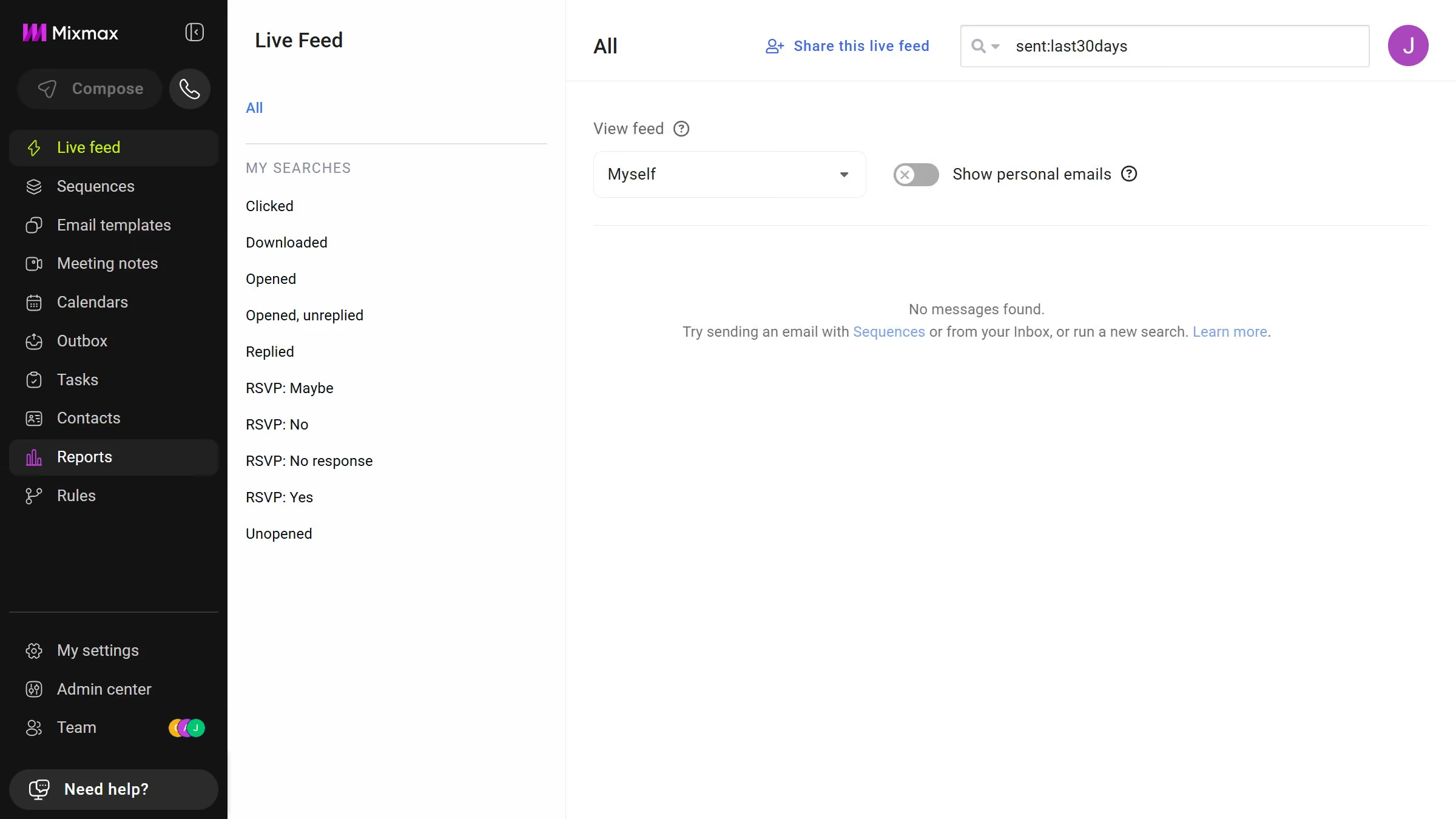
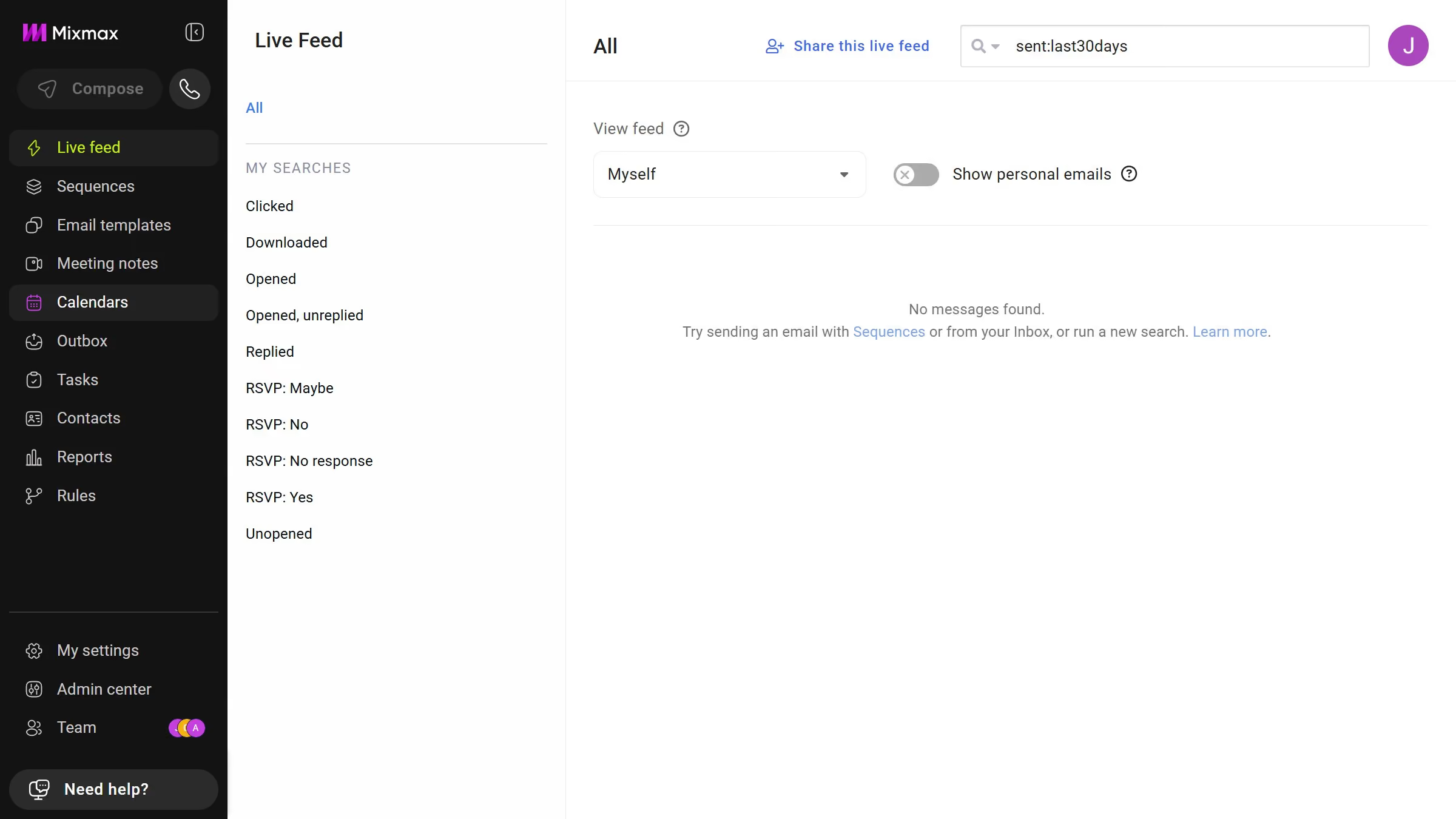
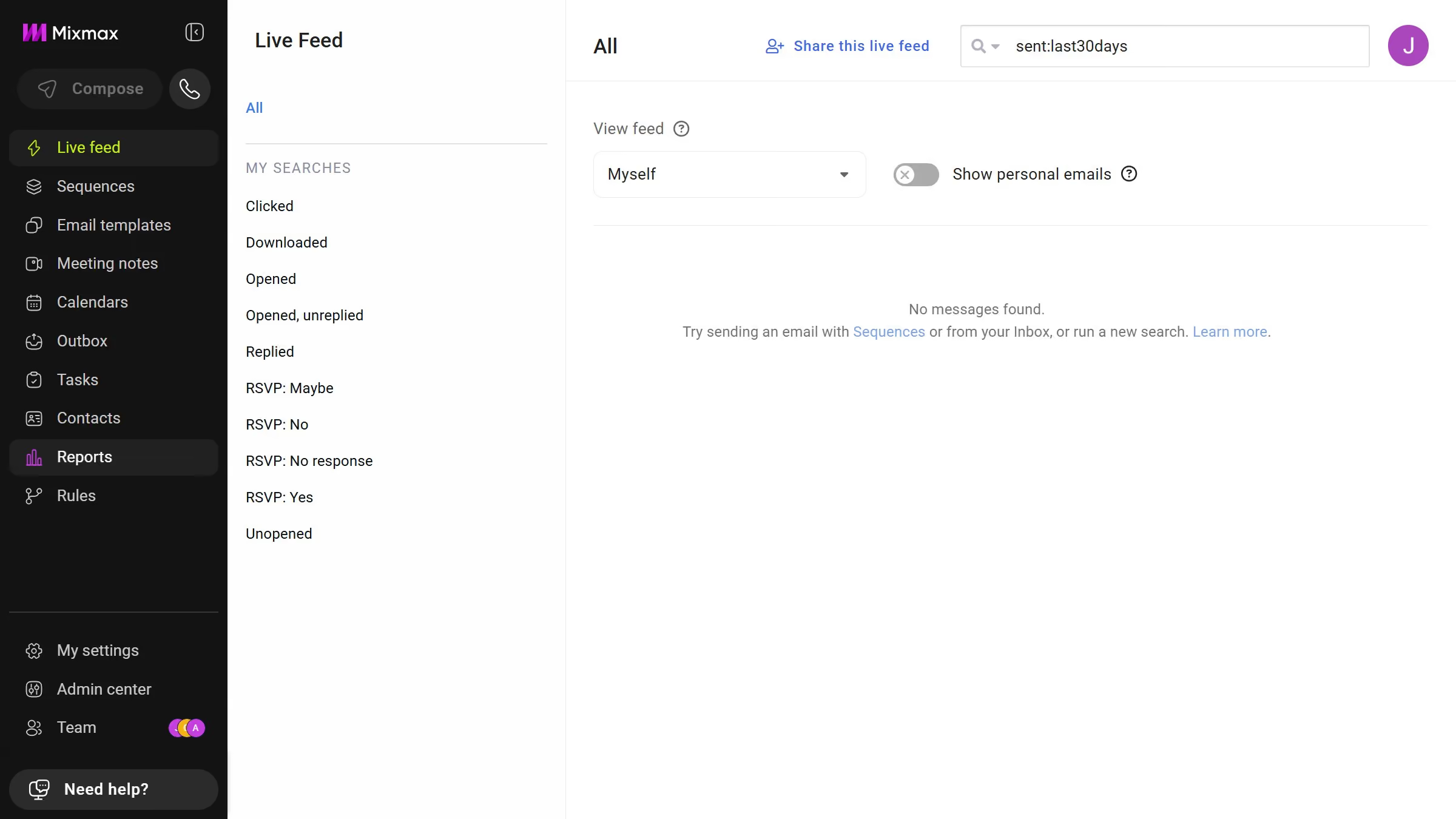
  1. First click on the "Sequences" in the left sidebar
  2. Next, click on the sequence you want to configure
  3. Click on the "Settings" tab in the sequence configuration
  4. Then click on "Recipients" option in the left menu
  5. Finally, uncheck the "Automatically remove recipients who are active in another sequence from sender" checkbox

Create your own interactive guide with Guideflow

Why should you allow adding recipients who are active in another sequence from the same sender in Mixmax

Mixmax enhances productivity by seamlessly integrating email communication and workflow automation for teams.

One of the notable features in Mixmax is the ability to add recipients who are already engaged in another sequence from the same sender. This feature streamlines engagement by ensuring no communication barriers among recipients belonging to multiple sequences.

Using this feature maximizes outreach efficiency, prevents redundancy, and enhances recipient engagement without interrupting existing communication flows.

Last update
April 28, 2026
Cursor MariaA cursor points to a button labeled "James."

Create your first demo in less than 30 seconds.