How to prevent showing PDF previews when adding files in Mixmax
Here is how to prevent showing pdf previews when adding files in mixmax
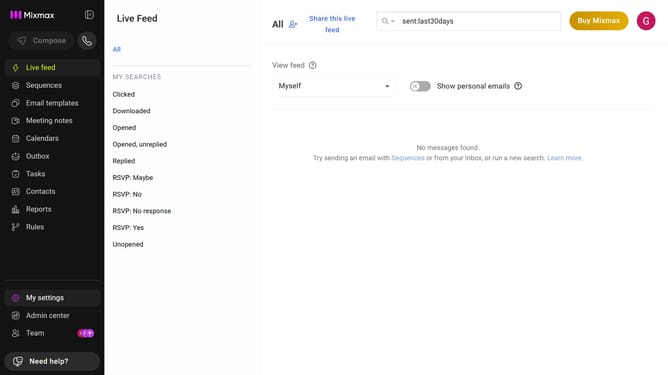
- First click on "My settings" in the sidebar
- Next click on "Composing" in the settings menu
- Then locate the "Message options" section
- Finally uncheck the "PDF previews" checkbox
Why should you prevent showing PDF previews when adding files in Mixmax
Mixmax is a powerful tool designed to enhance your email productivity and efficiency.
The feature to prevent PDF previews when adding files in Mixmax ensures your emails remain uncluttered and focused, enhancing the recipient’s reading experience.
By choosing not to show PDF previews, you maintain a professional appearance and avoid unnecessary distractions for the recipient.
This feature supports streamlined communication, allowing your content to shine without the interference of unsolicited previews.
Last update