How to prevent sending the same sequence multiple times to the same recipient in Mixmax
Here is how to prevent sending the same sequence multiple times to the same recipient in mixmax
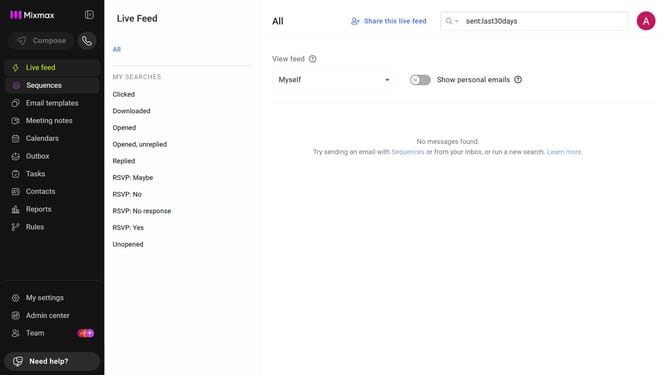
- First click on the "Sequences" in the left sidebar
- Next, click on the sequence you want to configure
- Click on the "Settings" tab in the sequence configuration
- Then click on "Recipients" in the settings menu
- Finally, check the box next to "Automatically remove recipients who have already received this sequence"
Why should you prevent sending the same sequence multiple times to the same recipient in Mixmax
Mixmax brings efficiency and personalization to email management, elevating productivity through seamless communication sequences.
To prevent redundant messages, Mixmax offers features that ensure each recipient only receives a sequence once. This strategic functionality not only prevents communication overload but also enhances customer experience by maintaining a clutter-free inbox and conveying respect for their time.
With this in place, you can focus on creating dynamic, engaging content rather than worrying about repeat messages, leading to more meaningful interactions and stronger relationships.
Last update