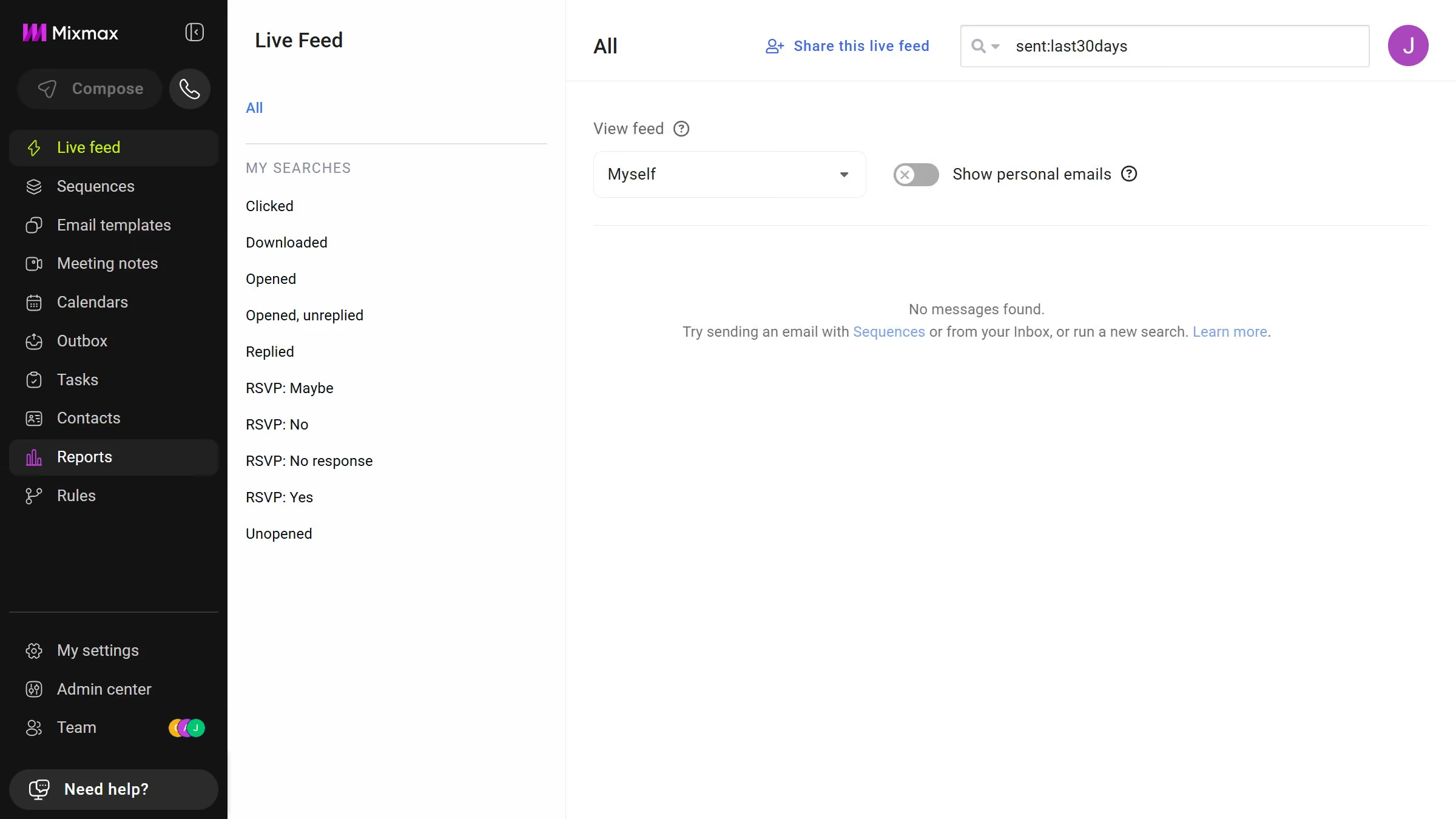
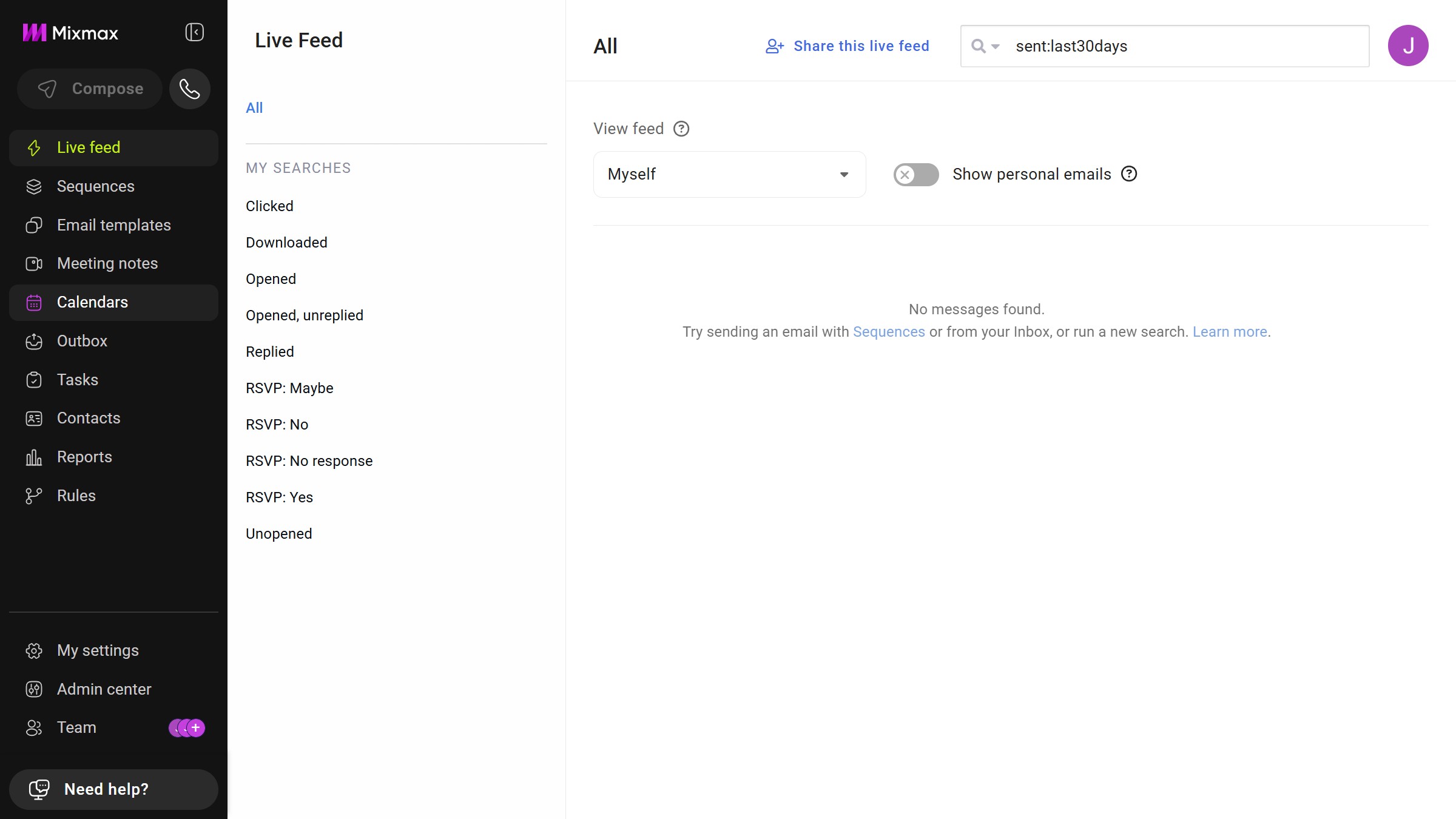
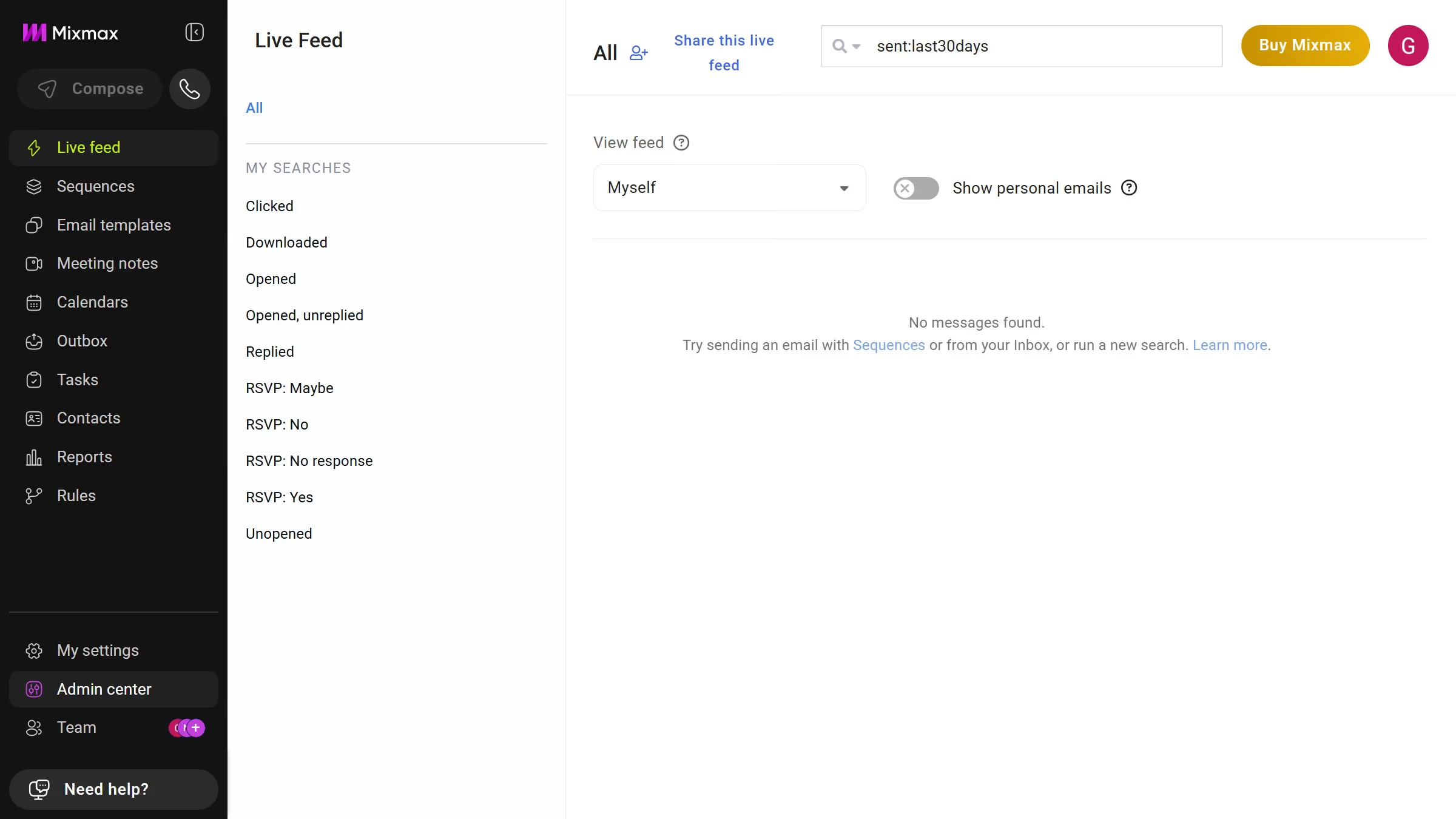
Here is how to view templates in a specific folder in mixmax
- First click on "Email templates" in the sidebar menu
- Next, locate the "MY FOLDERS" section in the left sidebar
- Then, click on the folder you want to view


Create your own interactive guide with Guideflow
Mixmax is an intuitive email productivity tool designed to enhance communication efficiency.
A standout feature allows you to effortlessly view templates stored within a specific folder. This organization ensures you can swiftly access pre-designed templates, streamlining your workflow.
Having templates neatly organized in folders saves time and minimizes the hassle of searching through disorganized files. This means more focus on crafting meaningful interactions and less on logistical headaches.
Ultimately, this feature enhances productivity by promoting a more organized and efficient access to essential resources.
Why leading companies build with Guideflow