How to disable tracking for UK and EEA recipients for a role in Mixmax
Here is how to disable tracking for uk and eea recipients for a role in mixmax
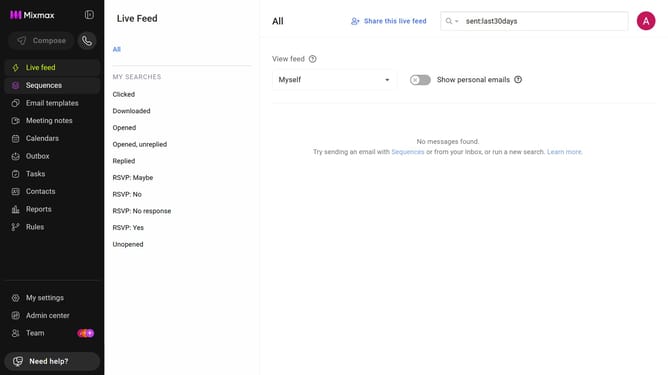
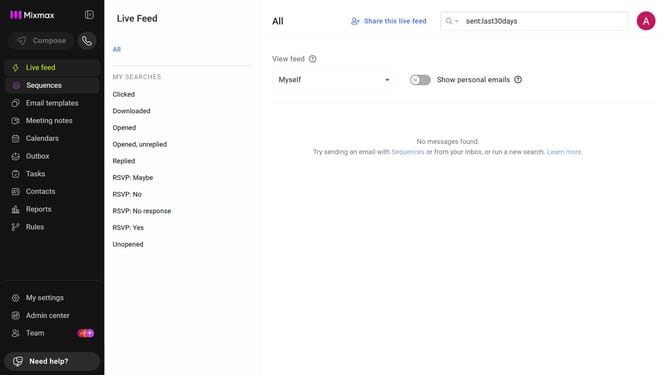
- First, click on "Admin center" in the sidebar menu
- In the sidebar, click on "Roles"
- Next, click on the "Tracking" tab
- Finally check the box for "Disable tracking for recipients located in the UK and EEA for this role." in the Tracking section
Why should you disable tracking for UK and EEA recipients for a role in Mixmax
Mixmax is a powerful tool designed to enhance your email productivity.
One of its standout features is the ability to disable tracking for UK and EEA recipients for a specific role. This ensures compliance with privacy regulations and respects the preferences of individuals within these regions.
By using this feature, businesses can foster trust and demonstrate their commitment to data protection. It supports roles that require adherence to stringent privacy standards, enhancing both compliance and customer satisfaction.
Ultimately, this feature empowers users to maintain ethical engagement practices seamlessly.
Last update