How to automatically organize your inbox with intelligent labels in Mixmax
Here is how to automatically organize your inbox with intelligent labels in mixmax
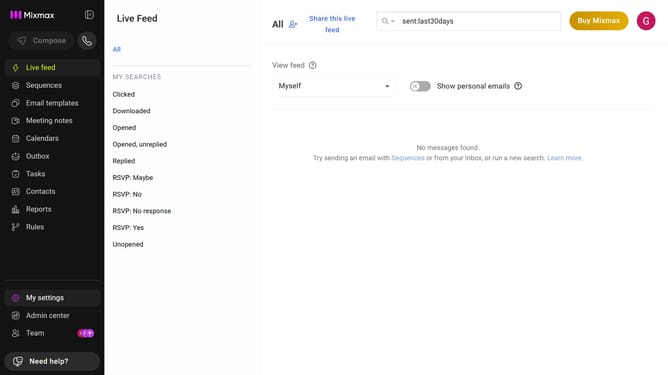
- First click on "My settings" in the sidebar menu
- Next click on "Inbox Copilot" from the left sidebar settings
- Locate the "Inbox Categorization" option
- Then toggle it on to automatically organize your inbox with intelligent labels
- You can manage category behavior using the available dropdown options
Why should you automatically organize your inbox with intelligent labels in Mixmax
Mixmax is a powerful email management tool designed to enhance your productivity and streamline communication.
By automatically organizing your inbox with intelligent labels, Mixmax helps you manage emails effortlessly. It categorizes messages, ensuring that important communications never get lost in the clutter.
This feature not only saves time but also reduces the mental load of sorting through a chaotic inbox. With Mixmax, focus your energy on meaningful interactions instead of email logistics.
Last update