How to set monday as the starting day of the week in your Mixmax calendar
Here is how to set monday as the starting day of the week in your mixmax calendar
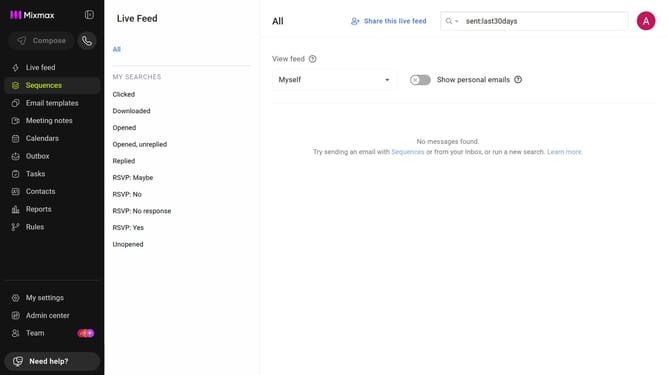
- First click on "My settings" in the sidebar
- Next click on the "Calendar" in the settings menu
- Then locate the "Display options" section
- Finally, select "Monday" for the "Week starts on" option
Why should you set monday as the starting day of the week in your Mixmax calendar
Mixmax enhances your productivity by streamlining communication and scheduling.
Setting Monday as the start of your week in the Mixmax calendar helps align your planning with the typical workweek structure, optimizing your workflow.
Starting your calendar on Monday supports synchrony with business operations and colleagues, facilitating a smoother and more coordinated work environment.
This feature reinforces productivity by promoting a balanced view of your schedule, ensuring a clear focus on priorities from week to week.
Last update