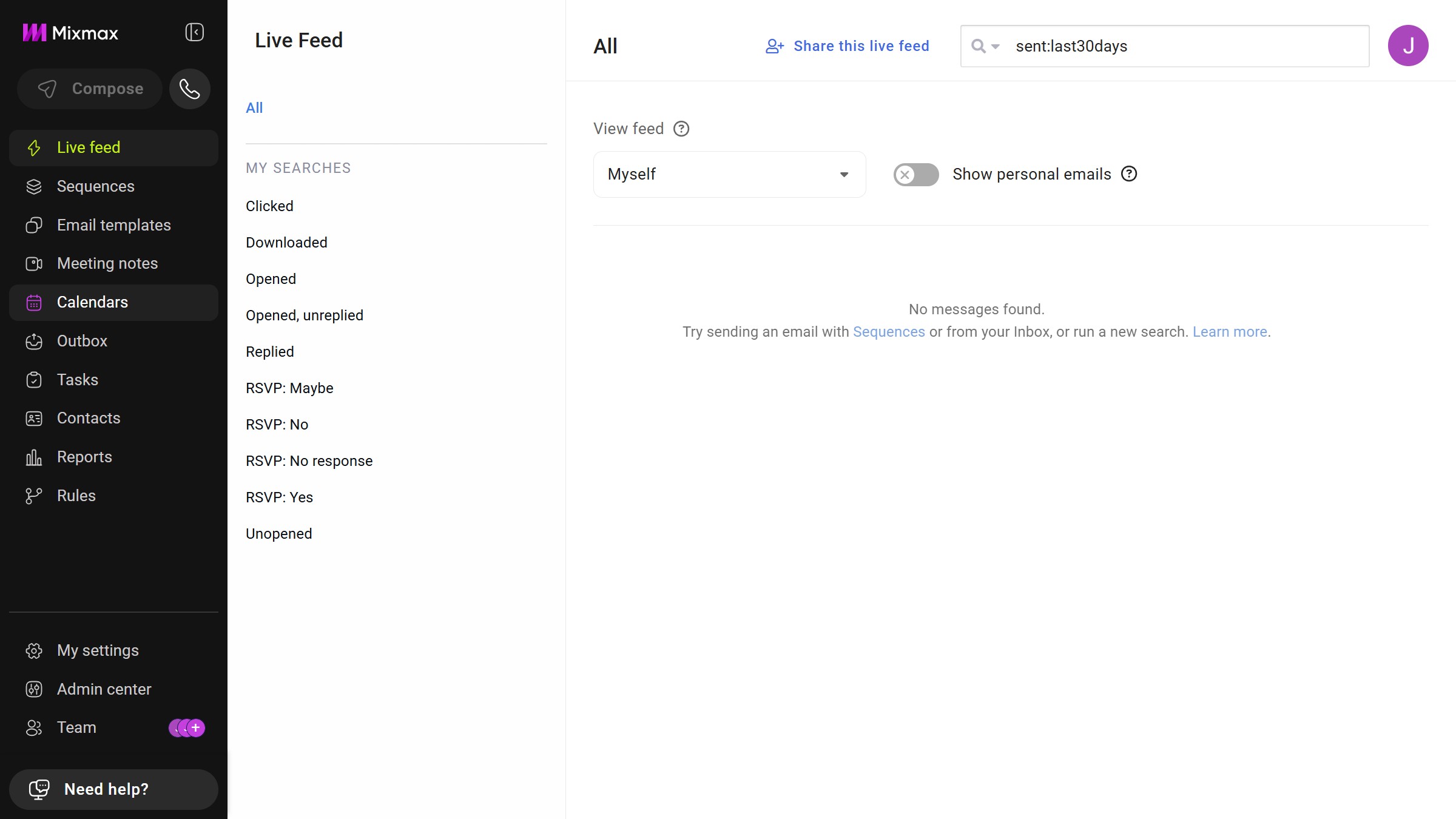
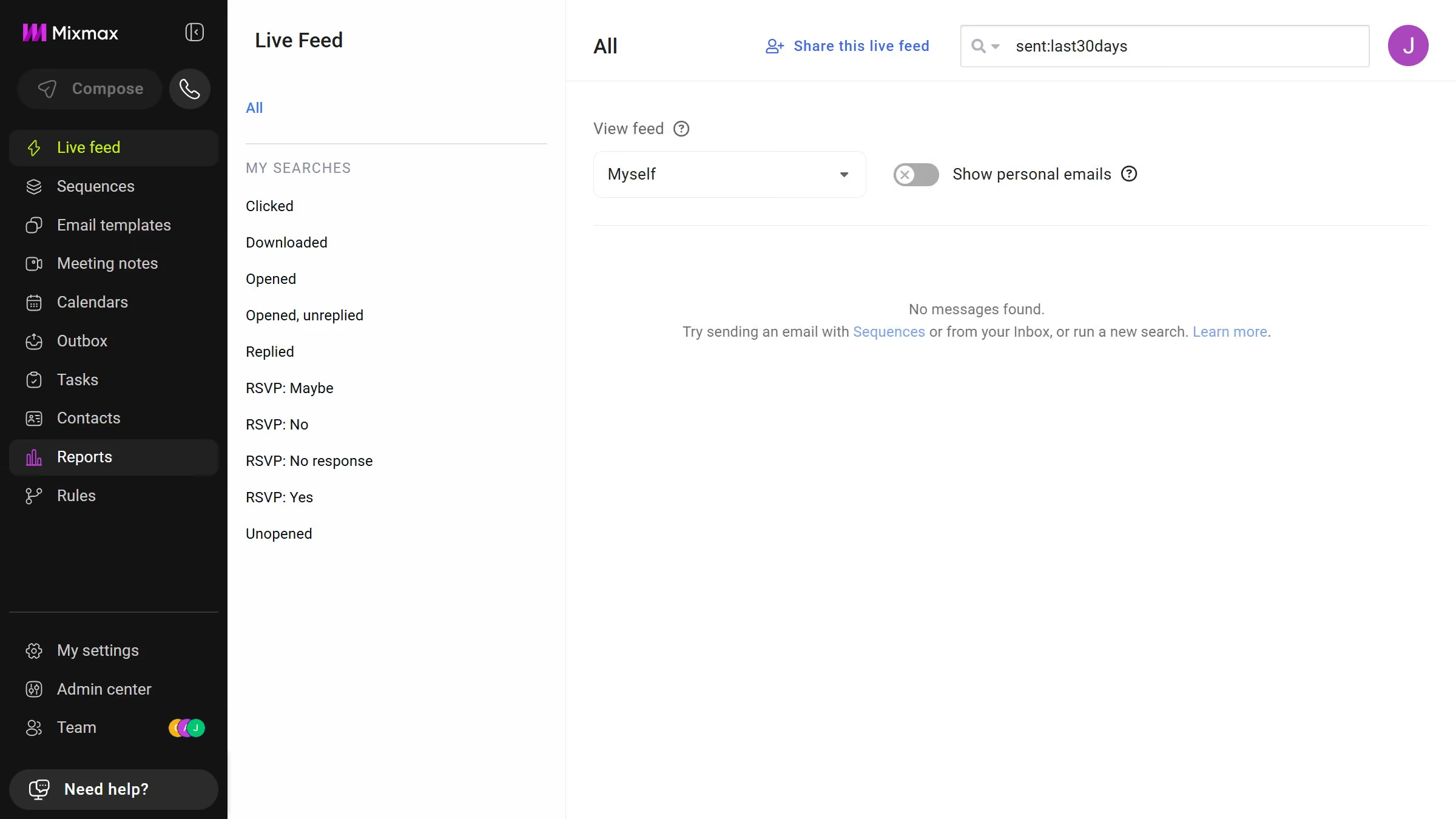
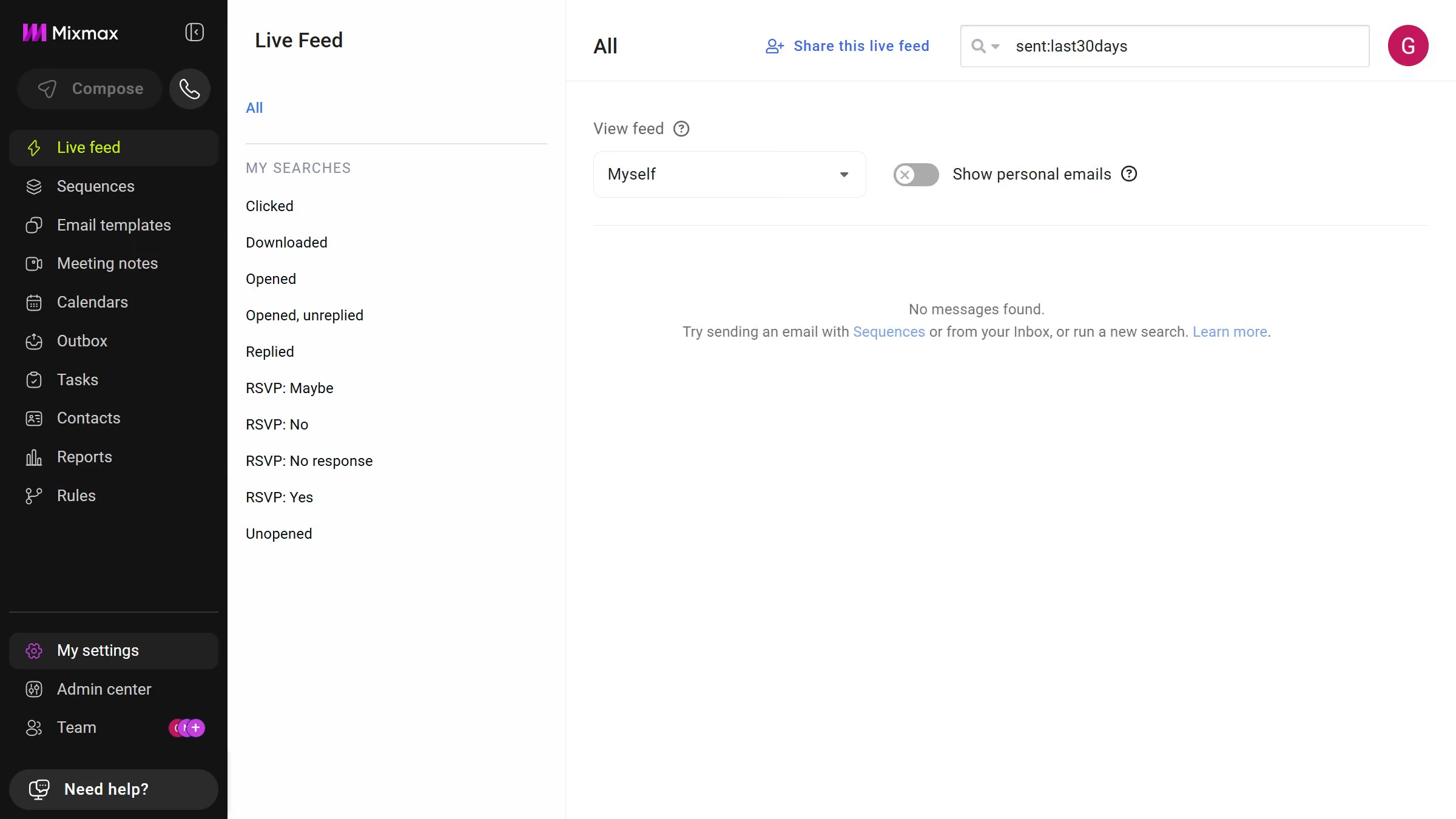
Here is how to open the trash for email templates in mixmax
- First click on "Email templates" in the sidebar menu
- Then click on "Trash" in the left sidebar menu under MEMBERS section
- You will now see all deleted email templates


Create your own interactive guide with Guideflow
Mixmax is a dynamic tool designed to enhance email communication and productivity.
Opening the trash for email templates in Mixmax is a straightforward feature that ensures no template goes permanently lost. This feature allows you to retrieve previously deleted templates easily, offering peace of mind and flexibility.
With this function, Mixmax maintains an organized workspace where every resource remains accessible when needed, making your workflow more efficient and less stressful.
Why leading companies build with Guideflow