How to set the undo send time to 30 seconds in Mixmax
Here is how to set the undo send time to 30 seconds in mixmax
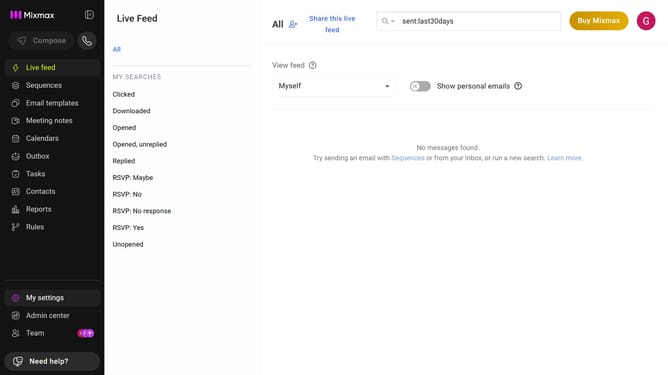
- First click on the profile avatar in the top-right corner of the header
- Next click on the "Settings" option from the dropdown menu
- Locate the "Undo send" section in the General settings
- Then, click on the dropdown menu for "Show undo button for"
- Finally, select "30 seconds" from the dropdown list
Why should you set the undo send time to 30 seconds in Mixmax
Mixmax is a powerful productivity tool designed to enhance your email experience.
The ability to set the undo send time to 30 seconds in Mixmax offers peace of mind and a safeguard against hasty mistakes. By allowing a generous timeframe, you can catch typos, add forgotten details, or reconsider your entire message.
This feature can lead to more thoughtful communication, reducing errors and ensuring your emails reflect the professionalism you intended.
Embracing this simple feature not only boosts your confidence but also elevates the quality of your correspondence.
Last update