How to prevent workspace members from taking notes with Meeting Copilot in Mixmax
Here is how to prevent workspace members from taking notes with meeting copilot in mixmax
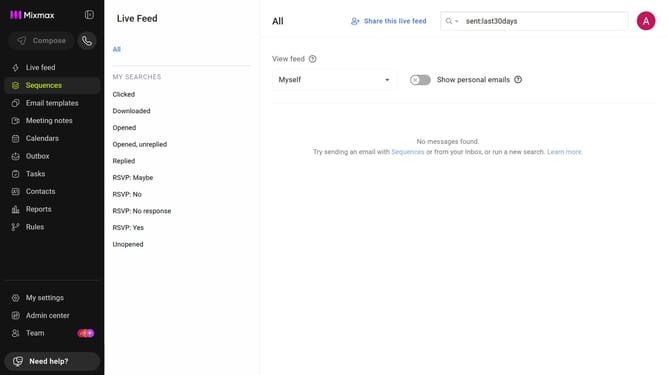
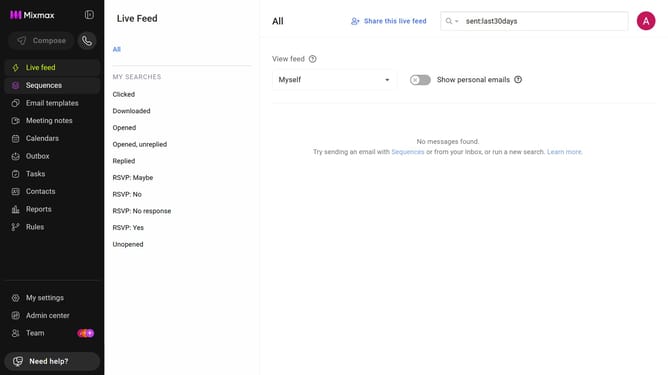
- First, click on "Admin center" in the sidebar menu
- Then click on "Meeting Copilot" in the left sidebar
- Finally toggle off the "Allow workspace members to take notes with Meeting Copilot" option
Why should you prevent workspace members from taking notes with Meeting Copilot in Mixmax
Mixmax transforms email productivity with seamless integration and automation tools.
With Meeting Copilot, you can easily control who can or cannot take notes during meetings, ensuring clear and focused communication by preventing unnecessary information sharing.
This feature is particularly beneficial for maintaining confidentiality, streamlining meeting objectives, and keeping discussions succinct.
By managing note-taking permissions, businesses can enhance security and keep team members aligned with essential goals.
Last update