How to disable meeting copilot for Google Meet in Mixmax
Here is how to disable meeting copilot for google meet in mixmax
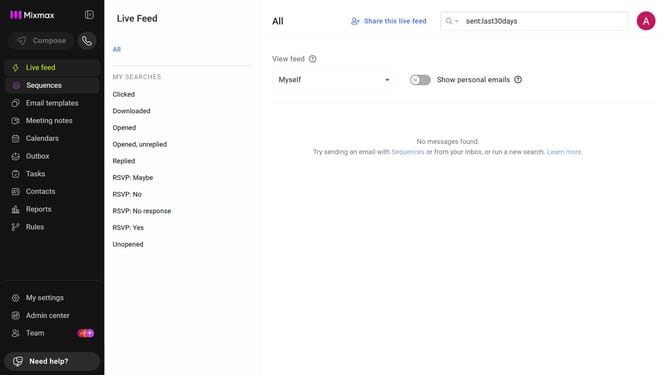
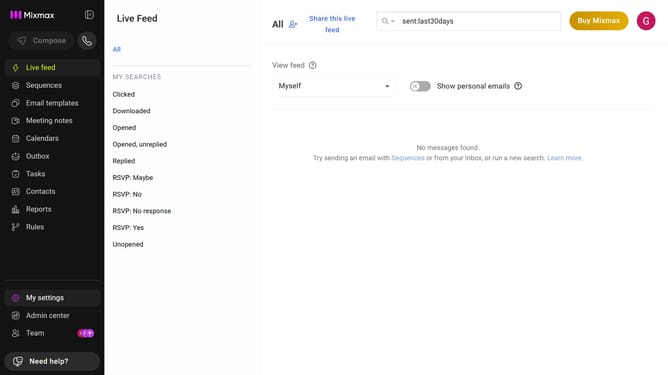
- First click on "My settings" in the sidebar menu
- Next click on "Meeting Copilot" in the settings menu
- Locate the "Google Meet" option in the Meeting Copilot settings
- Then click on the toggle button next to "Google Meet" to disable it
- Finally click on the "Turn off" button in the confirmation dialog
Why should you disable meeting copilot for Google Meet in Mixmax
Mixmax is a versatile tool designed to enhance productivity in digital communication.
By allowing users to disable the meeting copilot for Google Meet, Mixmax provides a seamless option for those who prefer a more traditional or distraction-free meeting experience.
This feature can be particularly beneficial for individuals who want to maintain full control over their meeting environment, ensuring that discussions remain on track without automated input.
Ultimately, this flexibility enhances user autonomy and caters to personalized meeting preferences.
Last update