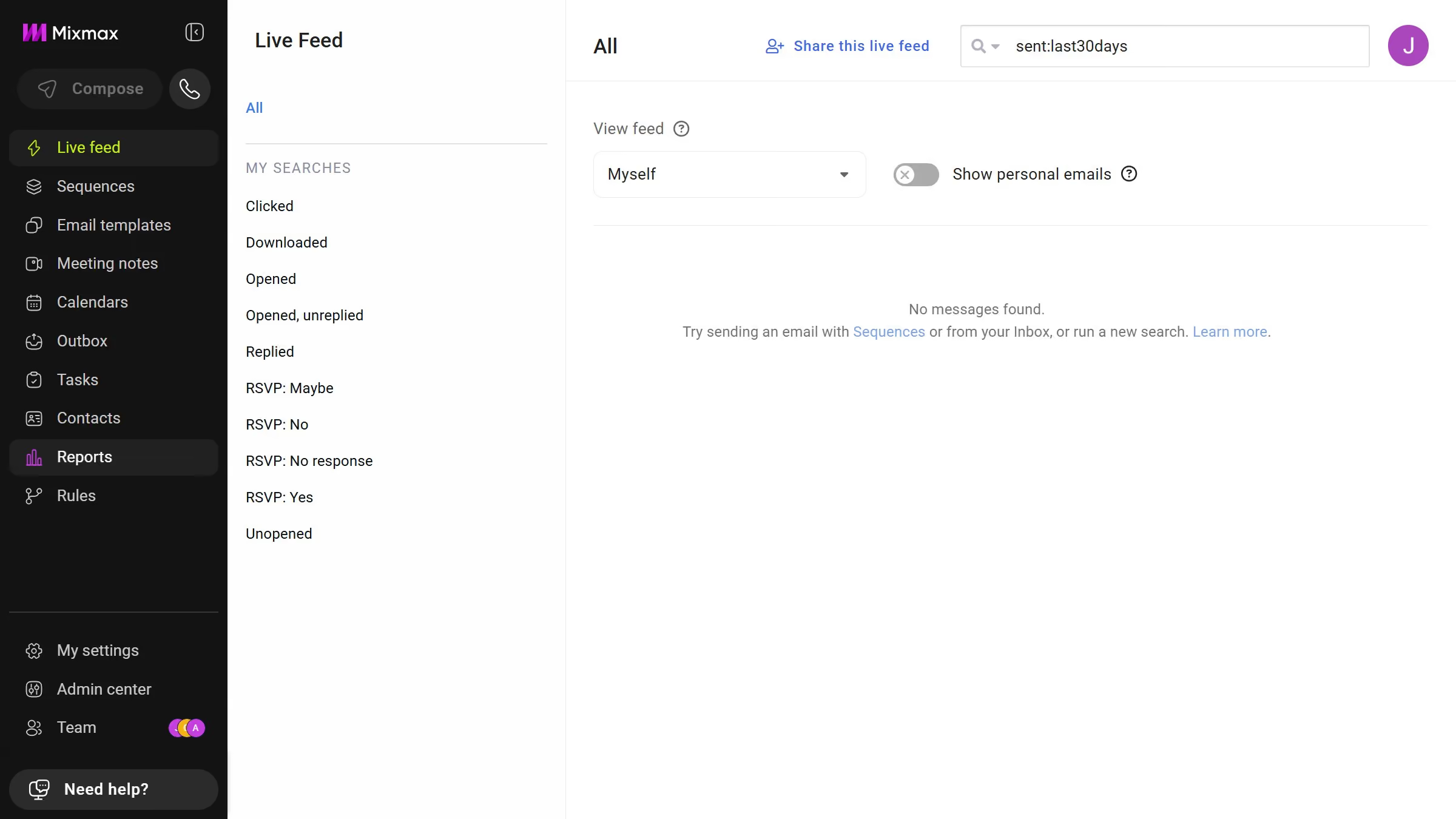
Here is how to view email templates from last week in mixmax
- First click on "Email templates" in the sidebar menu
- Next click on the "DATE RANGE" dropdown above the templates list
- Then select "Last week" from the dropdown menu


Create your own interactive guide with Guideflow
Mixmax is a dynamic tool designed to enhance and streamline your email communications with ease.
Viewing email templates from last week in Mixmax allows you to efficiently revisit previous communications. This feature provides the ability to quickly access your past templates, ensuring that no efforts made in creating impactful emails are lost.
By accessing email templates from the prior week, you not only save time but also maintain consistency in your messaging. It helps in seamlessly adapting your strategies based on prior successes, allowing you to engage effectively with your audience.
Why leading companies build with Guideflow