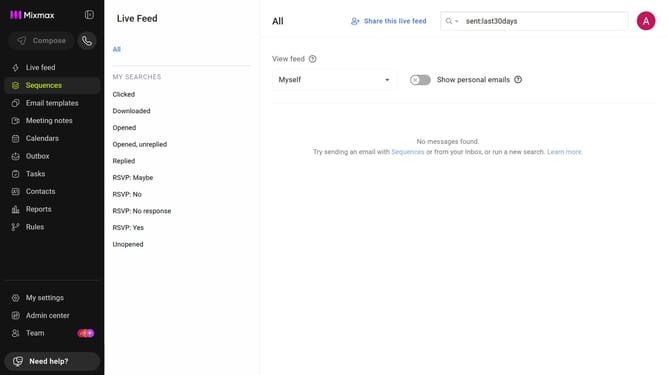
How to remove the date filter in Mixmax Reports
Here is how to remove the date filter in mixmax reports
- First click on "Reports" in the sidebar menu
- Next click on the "Dashboard" tab in the left corner
- Then, click on the "DATE RANGE" dropdown at the top of the page
- Finally, select "None" from the date range options
Why should you remove the date filter in Mixmax Reports
Mixmax is a powerful tool designed to enhance your email productivity and engagement.
Removing the date filter in Mixmax Reports allows you to gain a broader perspective on your email tracking data. This feature is vital for users who wish to analyze long-term trends without the constraints of predefined time frames.
By accessing complete history, you can identify patterns and insights that drive more strategic decisions in your email campaigns. The flexibility of viewing extended data helps optimize communication strategies effectively, ensuring you stay ahead in managing your outreach.
Last update