How to disable syncing meeting transcripts to your CRM in Mixmax
Here is how to disable syncing meeting transcripts to your crm in mixmax
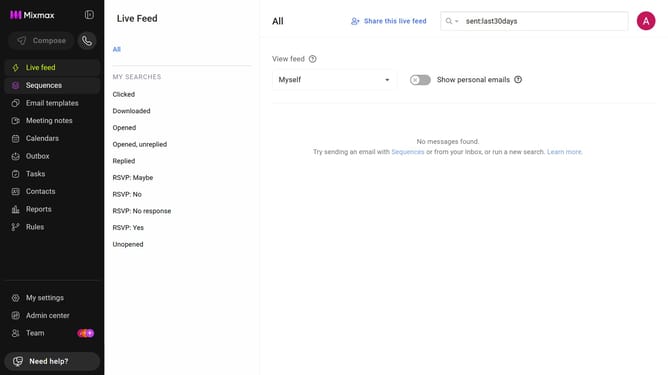
- First, click on "Admin center" in the sidebar menu
- Next click on "Meeting Copilot" in the left sidebar
- Then, toggle off the "Sync meeting transcripts to CRM" option
Why should you disable syncing meeting transcripts to your CRM in Mixmax
Mixmax is an innovative tool designed to enhance your email productivity and streamline your sales workflow.
Disabling the syncing of meeting transcripts to your CRM in Mixmax can offer significant advantages.
This feature allows you to maintain control over sensitive information, ensuring that only relevant details are shared with your CRM. By keeping unnecessary data out, you streamline your CRM system, reducing clutter and enhancing the focus on essential information.
This means more efficient data management, giving your team more time to focus on closing deals.
Last update