Mixmax
Mixmax is a sales engagement platform for revenue teams to automate email outreach, sequences, and meeting scheduling.
Website
Industry
Leadgen
Share this article:

How to unarchive an email template in Mixmax

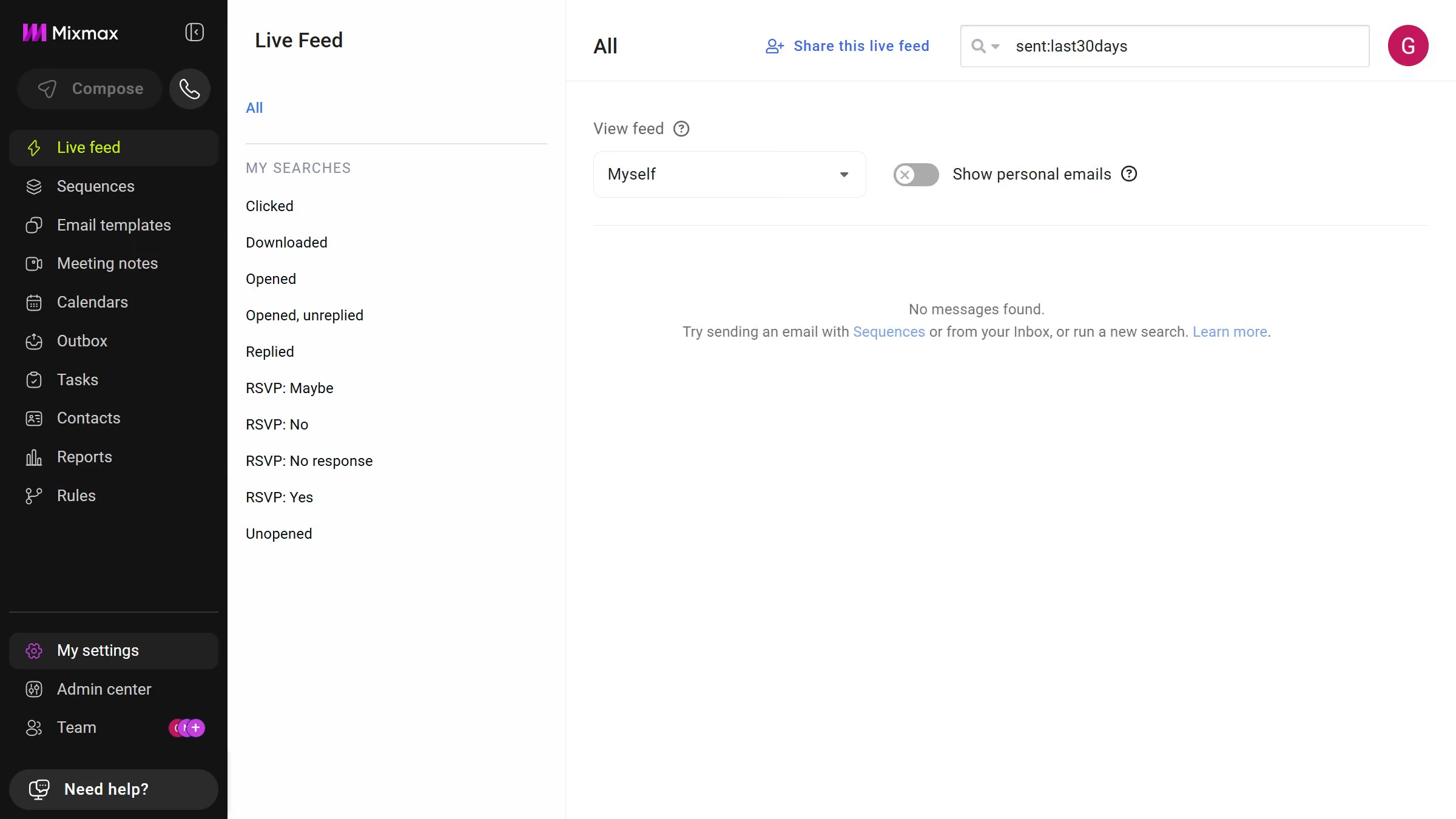
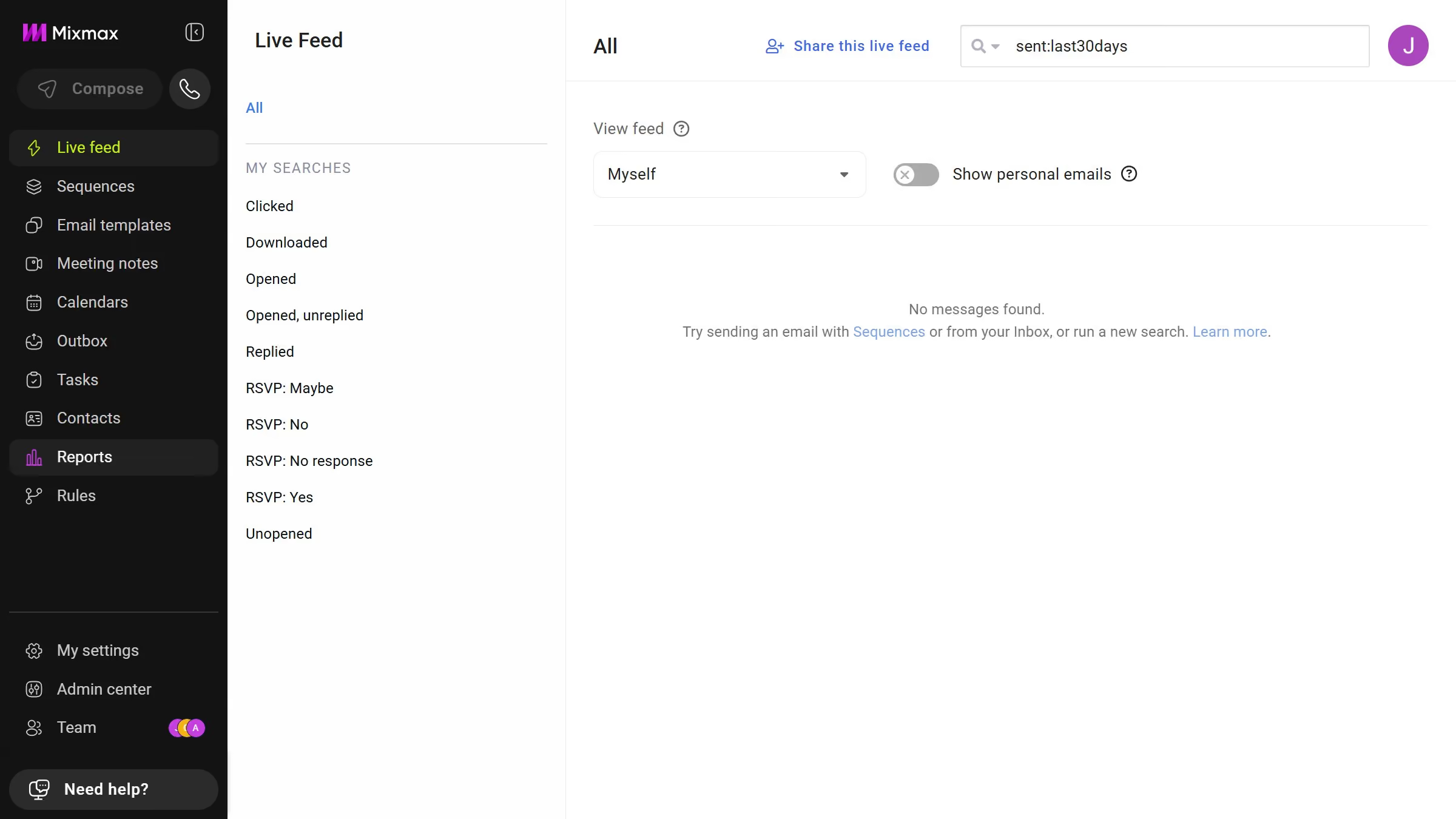
Here is how to unarchive an email template in mixmax

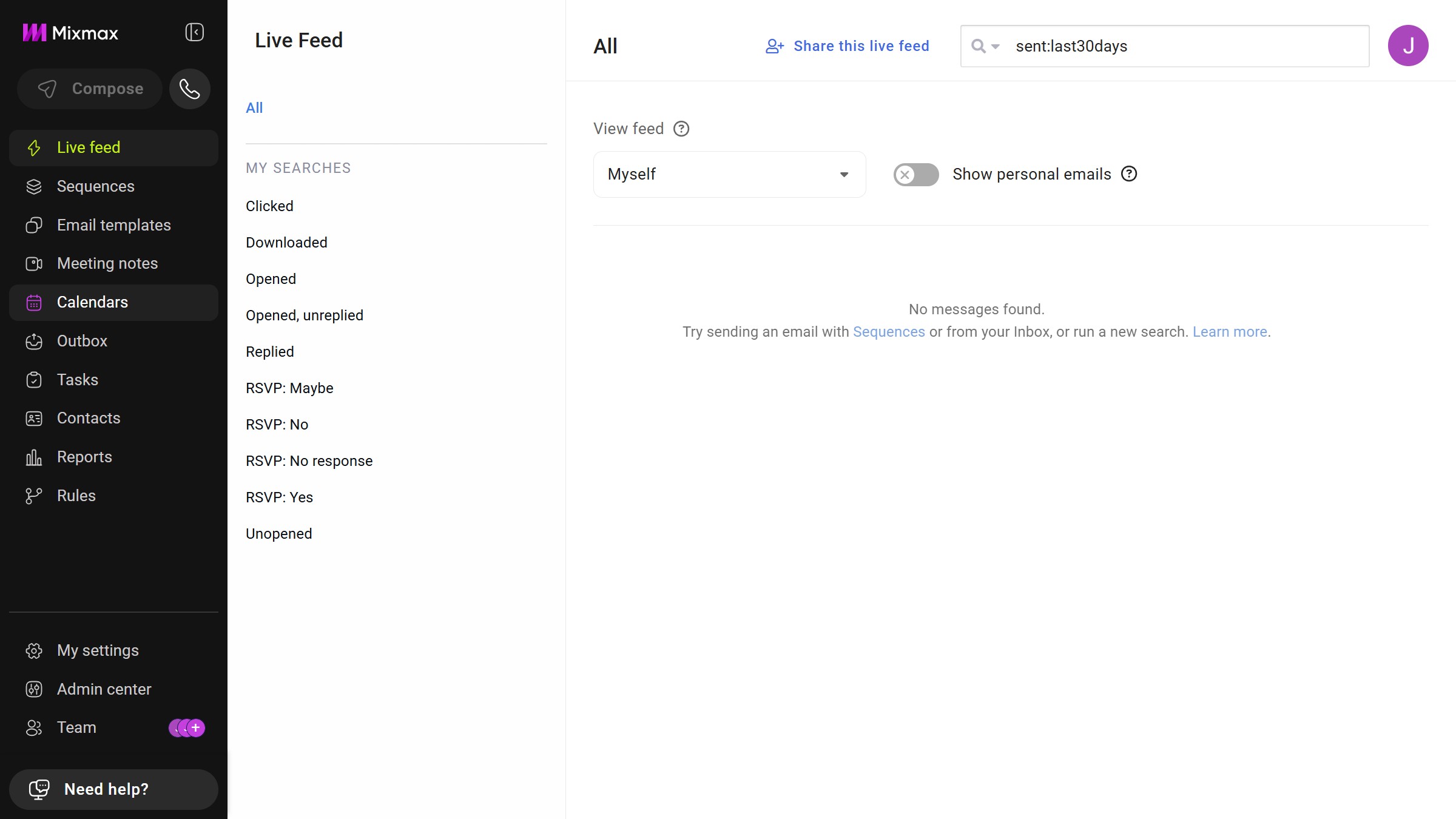
  1. First click on the "Sequences" in the sidebar menu
  2. Next click on "Archive" in the left sidebar
  3. Locate the email template you want to restore
  4. Next click on the "Save in" dropdown menu
  5. Then select a folder from the dropdown list
  6. Finally click on the "Save" button to apply your changes
  7. The template will be moved out of the archive and will appear in the selected folder

Create your own interactive guide with Guideflow

Why should you unarchive an email template in Mixmax

Mixmax is a powerful tool designed to enhance email productivity and streamline communication.

Unarchiving an email template in Mixmax is a simple feature that brings back your previously saved templates for active use, offering unparalleled convenience.

This is particularly beneficial when you want to reuse a successful template or quickly access important communications without recreating them from scratch.

By efficiently managing your email templates, Mixmax ensures your communication remains seamless and effective, empowering you to focus on what truly matters.

Last update
May 7, 2026
Cursor MariaA cursor points to a button labeled "James."

Create your first demo in less than 30 seconds.