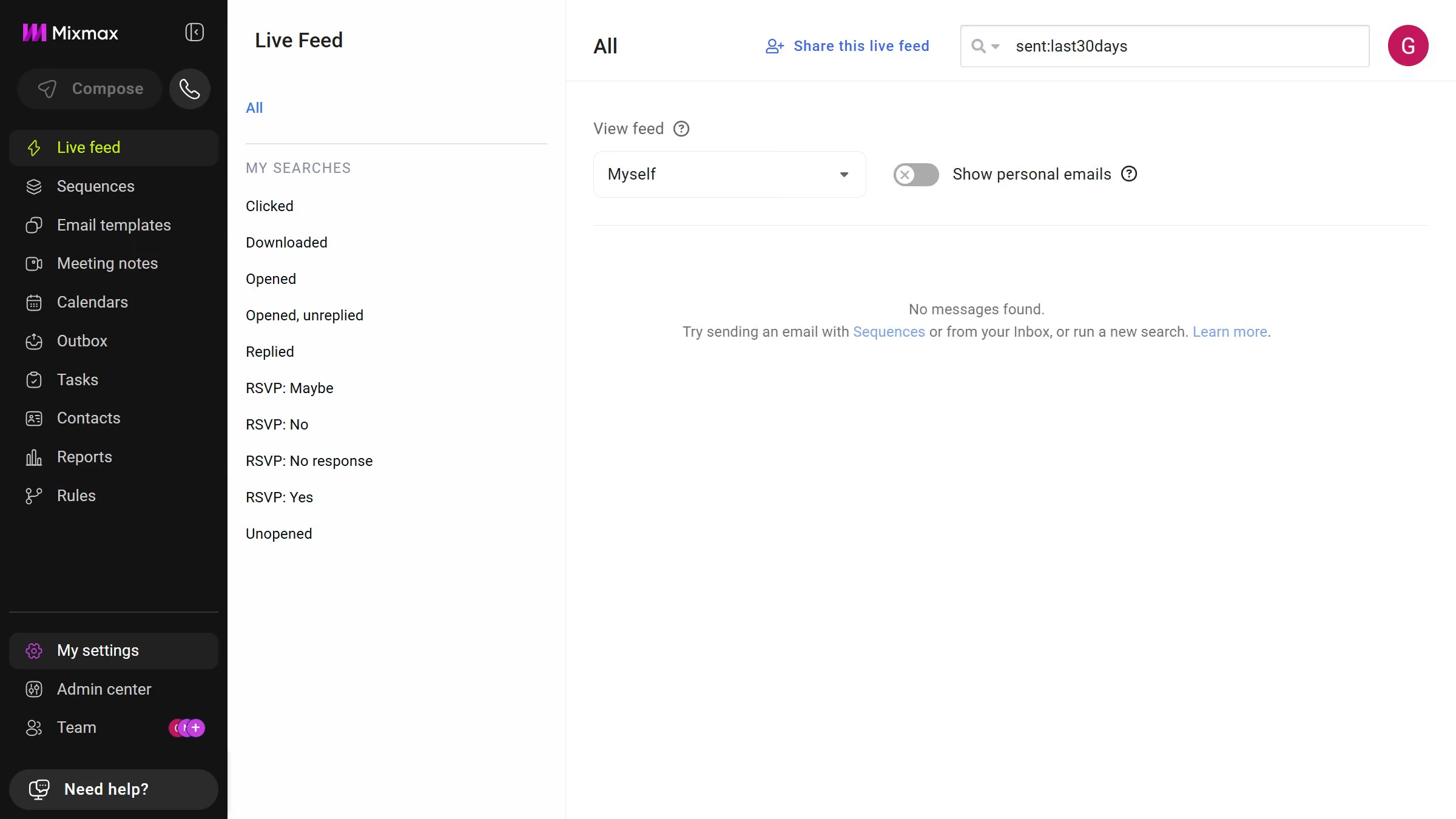
Here is how to view sequences shared with you in mixmax
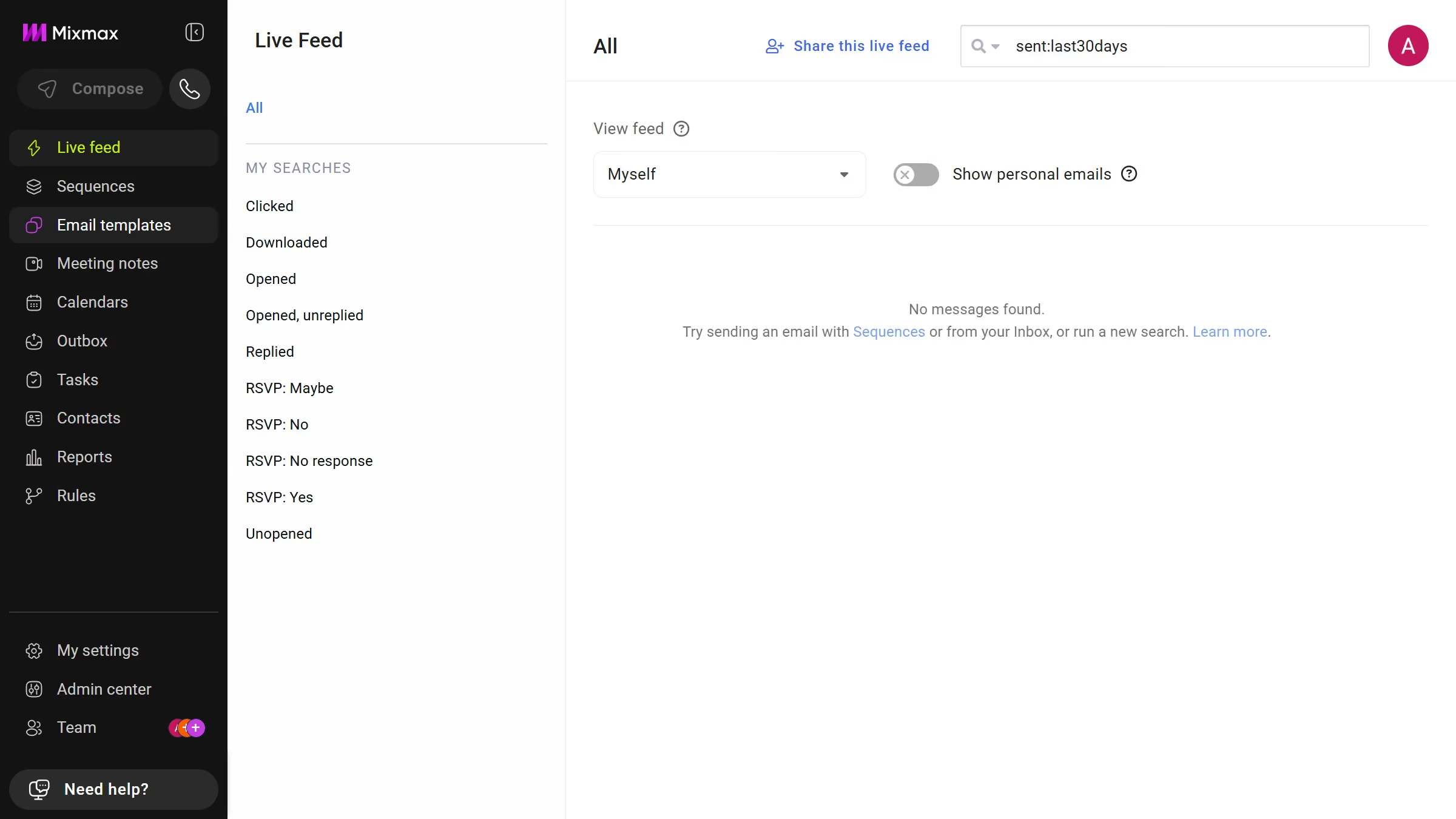
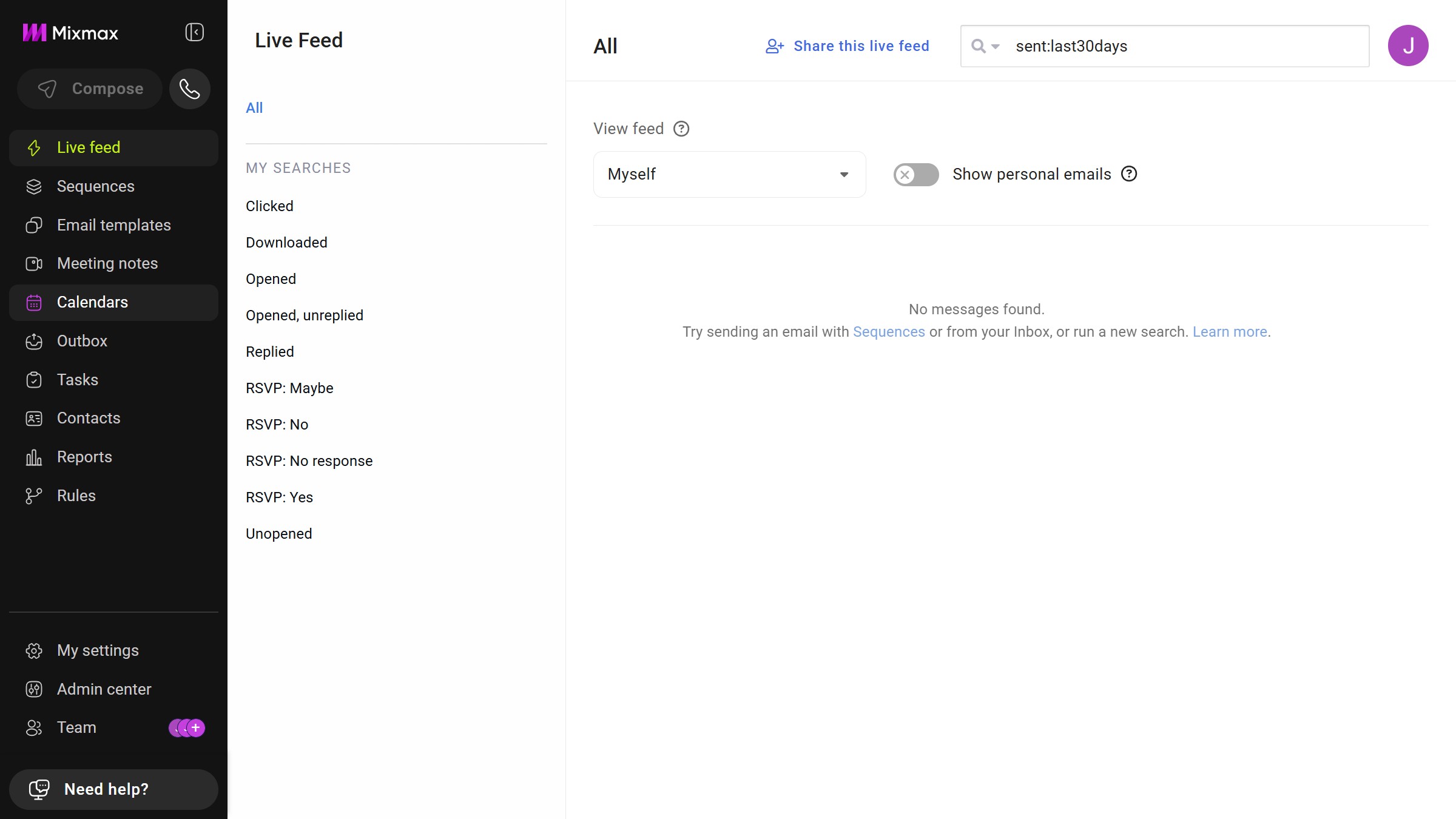
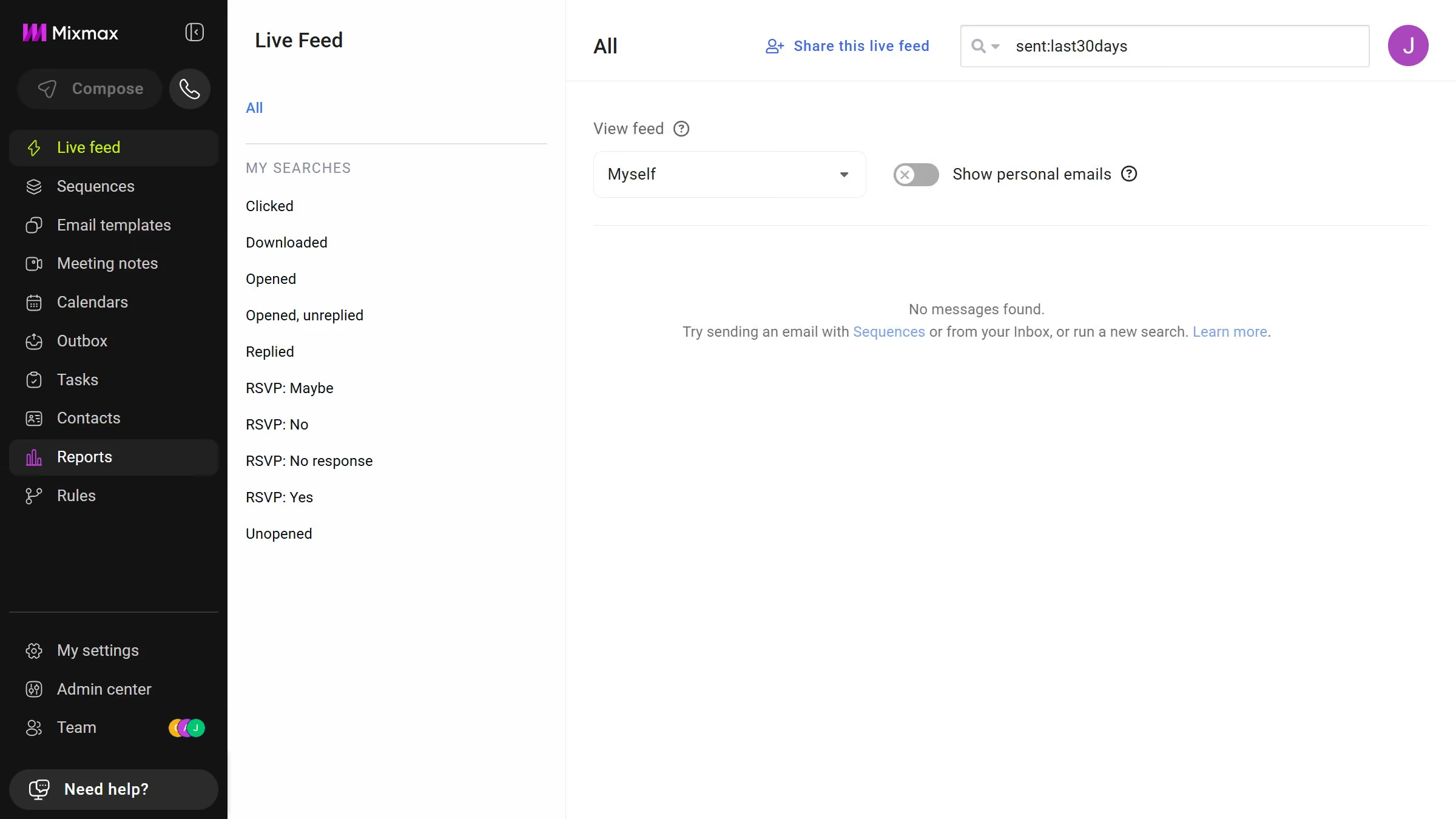
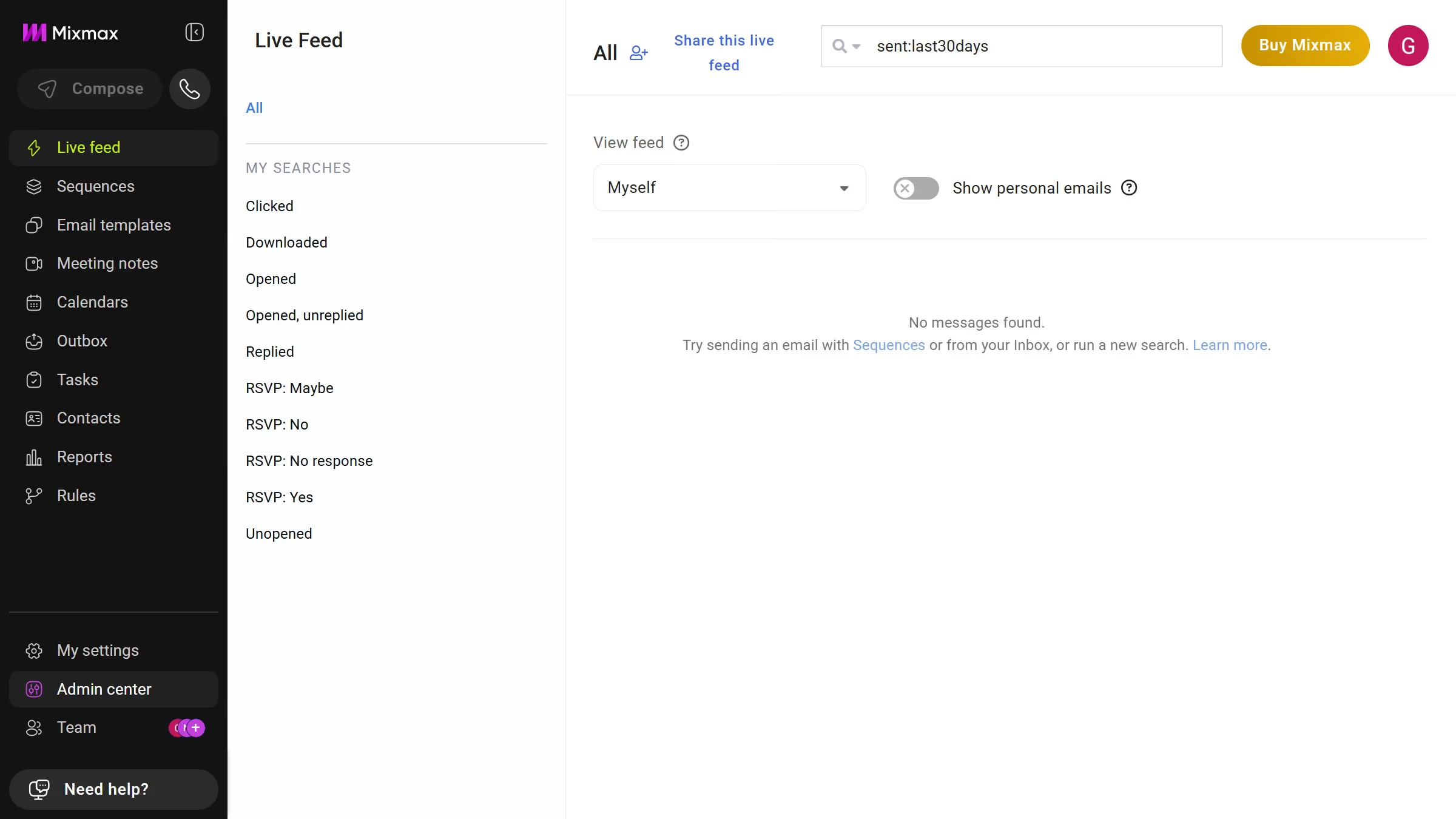
- First click on "Sequences" in the sidebar menu
- Next, locate the left sidebar in the Sequences page
- Then click on the "Shared with me" filter option


Create your own interactive guide with Guideflow
Mixmax is an innovative tool designed to enhance your email communication efficiency.
When you view sequences shared with you in Mixmax, you gain valuable insights into your team's communication strategies.
This feature can help streamline your collaborative efforts while keeping everyone in sync.
With this ability, you can access information and updates effortlessly, enhancing overall productivity and decision-making.
Why leading companies build with Guideflow