How to enable others in your workspace to view and schedule on your calendar in Mixmax
Here is how to enable others in your workspace to view and schedule on your calendar in mixmax
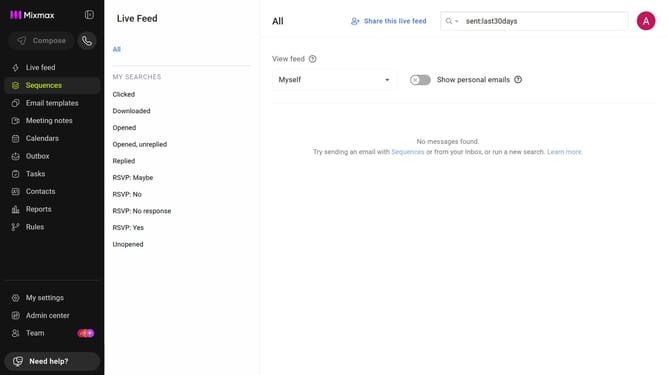
- First click on "My settings" in the left sidebar
- Next click on the "Calendar" in the settings menu
- Then locate the "Additional calendar options" section
- Finally, check the box next to "Enable others in my workspace to view and schedule on my calendar"
Why should you enable others in your workspace to view and schedule on your calendar in Mixmax
Mixmax is a powerful tool designed to streamline communication and enhance productivity in professional settings.
By enabling others in your workspace to view and schedule on your calendar, Mixmax fosters seamless coordination without the usual back-and-forth of scheduling conflicts.
This feature ensures team members have a transparent view of availability, enhancing collaborative efficiency. It simplifies communication, ensuring projects stay on track while minimizing interruptions, making it an indispensable tool for any team aiming for productivity.
Last update