How to customize the page title of a calendar in Mixmax
Here is how to customize the page title of a calendar in mixmax
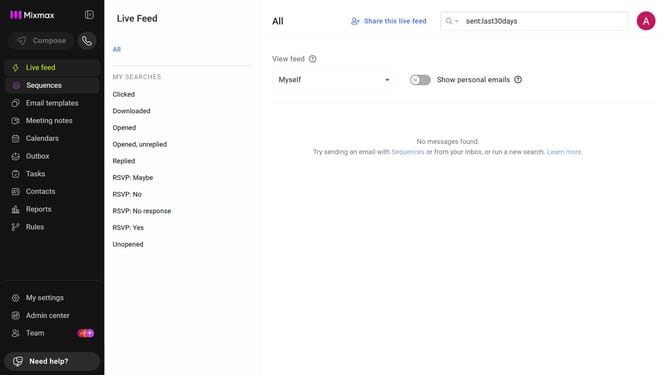
- First click on the "Calendars" menu in the left sidebar
- From the list of calendars, click on the calendar you want to edit
- Next, locate the "LINK" section
- Then, enter the title you want to display on the booking page
Why should you customize the page title of a calendar in Mixmax
Mixmax is an innovative communication tool designed to bolster productivity and streamline email workflows.
One valuable feature within Mixmax is the ability to customize the page title of your calendar. This feature enhances personal branding and ensures that recipients instantly recognize the sender of the calendar invite.
By personalizing the page title, professionals can convey a more polished and assertive image. This customization brings a sense of ownership and adds a professional touch to every calendar invitation, ultimately fostering better engagement and clearer communication.
Last update