How to edit a calendar URL in Mixmax
Here is how to edit a calendar url in mixmax
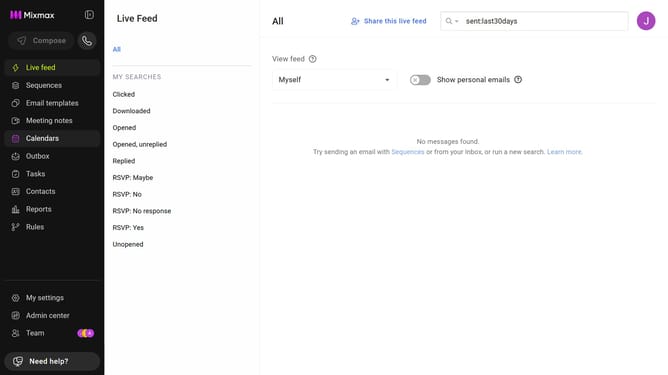
- First click on the "Calendars" menu in the left sidebar
- Next click on the calendar you want to edit
- Then locate the "LINK" section
- Finally, enter your preferred URL slug in the field provided
Why should you edit a calendar URL in Mixmax
Mixmax is a powerful tool designed to supercharge your email productivity.
One standout feature is the ability to edit a calendar URL, allowing for personalized scheduling experiences. By customizing your calendar URL, you ensure it aligns perfectly with your professional brand, providing a streamlined and consistent interaction for your invitees.
This not only enhances the perception of your professionalism but also offers the flexibility to tailor your calendar links to specific events or audiences, facilitating more effective communication and scheduling efficiency.
Last update