How to prevent double booking in Mixmax calendars
Here is how to prevent double booking in mixmax calendars
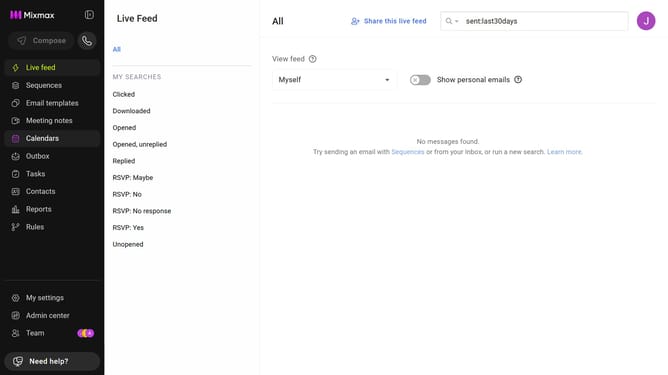
- First click on the "Calendars" menu in the left sidebar
- From the list of calendars, click on the calendar you want to edit
- Next, locate the "PREVENT DOUBLE BOOKING" option
- Then enter the email address of the calendar you want Mixmax to check for conflicts
Why should you prevent double booking in Mixmax calendars
Mixmax is an intelligent productivity platform designed to enhance communication and scheduling efficiency.
Preventing double booking in Mixmax calendars is seamless, ensuring every scheduled meeting has its own dedicated time slot.
This feature is beneficial for maintaining a streamlined schedule, minimizing conflicts, and enhancing professionalism.
By avoiding double bookings, you can ensure optimal time management and improved meeting preparation, ultimately leading to more productive interactions.
Last update