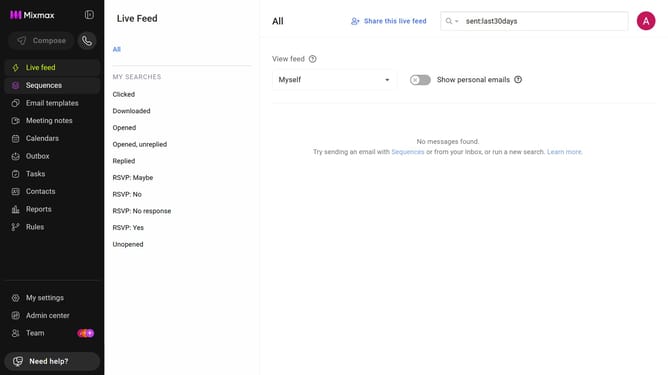
How to set the daily send limit to 1000 emails per user in Mixmax workspace settings
Here is how to set the daily send limit to 1000 emails per user in mixmax workspace settings
- First click on "Admin center" in the sidebar menu
- In the left sidebar, click on "Workspace settings"
- Next locate the "Daily send limit" section
- After that, click on the "Limit" dropdown
- Then, select "1000" from the dropdown list
- Finally click on the "Modify" button in the pop-up window
Why should you set the daily send limit to 1000 emails per user in Mixmax workspace settings
Mixmax is a powerful email productivity tool designed to boost communication efficiency.
Setting a daily send limit of 1000 emails per user within Mixmax's workspace settings safeguards against overwhelming email servers and ensures compliance with email sending protocols, protecting your sender reputation.
This feature provides control over email distribution, helping balance outbound communication and maintaining focus on quality interactions.
By implementing daily limits, you encourage more meaningful and strategically-timed email outreach.
Last update