How to view analytics for all recipients in Mixmax sequences
Here is how to view analytics for all recipients in mixmax sequences
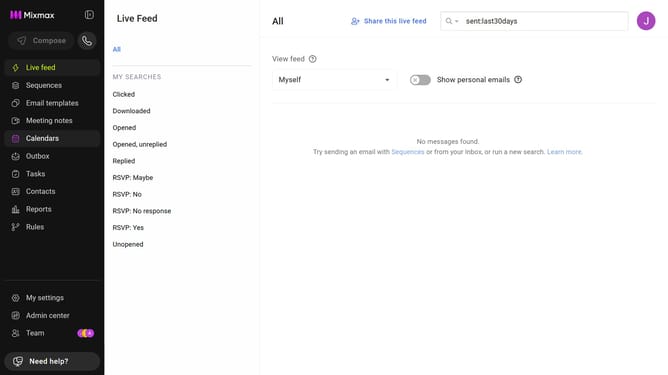
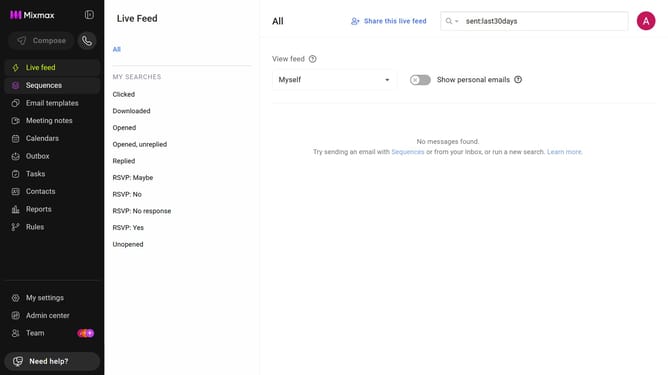
- First click on the "Sequences" in the left sidebar
- Next click on the "ANALYTICS FOR" dropdown above the sequences list
- Then select "All recipients" from the dropdown menu
Why should you view analytics for all recipients in Mixmax sequences
Mixmax is a powerful tool designed to enhance communication and productivity through seamless email integration.
Viewing analytics for all recipients in Mixmax sequences brings a wealth of insights right at your fingertips.
This feature allows you to gain a comprehensive understanding of your audience's engagement patterns.
By analyzing open rates, click rates, and responses, you can tailor your strategies to maximize effectiveness and reach your email goals with precision.
Last update