How to automatically CC someone on all emails in a sequence in Mixmax
Here is how to automatically cc someone on all emails in a sequence in mixmax
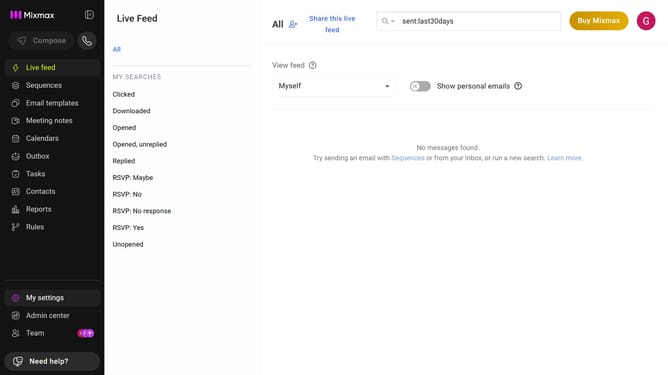
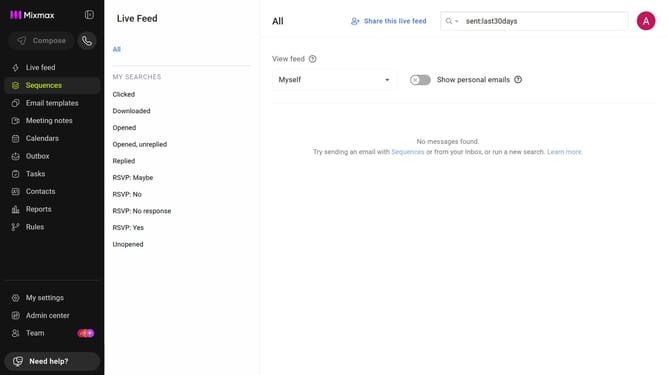
- First click on the "Sequences" in the left sidebar
- Next, open the sequence you want to configure
- Click on the "Settings" tab in the sequence configuration
- In the left sidebar menu, click on "CC & BCC"
- In the "Cc" field, enter a name or email address
- Then select the desired contact from the suggestions
- Finally click on "Save" button to apply the changes
Why should you automatically CC someone on all emails in a sequence in Mixmax
Mixmax is a powerful tool designed to streamline email communication and enhance productivity.
One standout feature of Mixmax is the ability to automatically CC someone on all emails in a sequence. This feature ensures that key stakeholders are kept in the loop, enhancing collaboration and ensuring transparency.
By automatically CC'ing individuals, you save time and prevent the oversight of critical connections. This can significantly improve communication efficiency, ensuring everyone is aligned with ongoing email discussions.
Last update