How to stop automatically setting reminders for emails in Mixmax
Here is how to stop automatically setting reminders for emails in mixmax
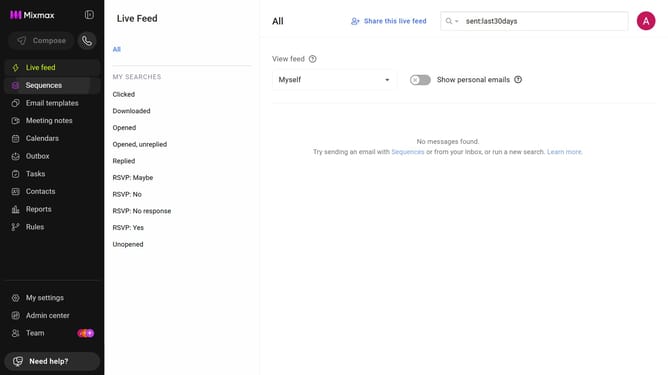
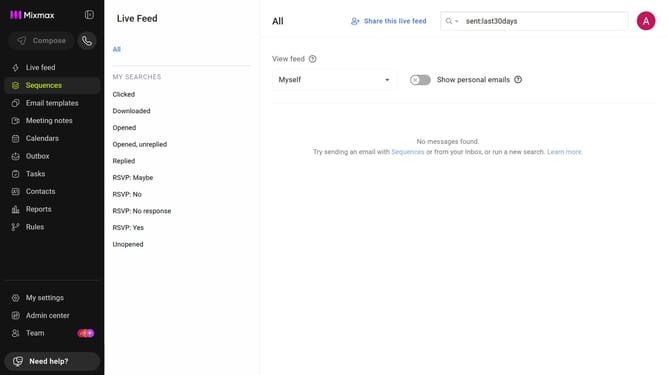
- First click on "My settings" in the sidebar
- Next click on the "Reminders & Send Later" in the settings menu
- Then locate the "Default reminder settings" section
- Finally, check the box for "Automatically set a reminder with the settings below"
Why should you stop automatically setting reminders for emails in Mixmax
Mixmax is an advanced email productivity tool designed to enhance your communication efficiency seamlessly.
A standout feature of Mixmax is its ability to set automatic reminders for emails, ensuring you never miss a follow-up. However, being able to stop these reminders is equally essential for those who prefer a clutter-free inbox.
This feature provides significant benefits by allowing more control over email management, reducing distraction, and focusing on priorities. Knowing when to activate or deactivate email reminders helps maintain productivity without overwhelm.
Last update