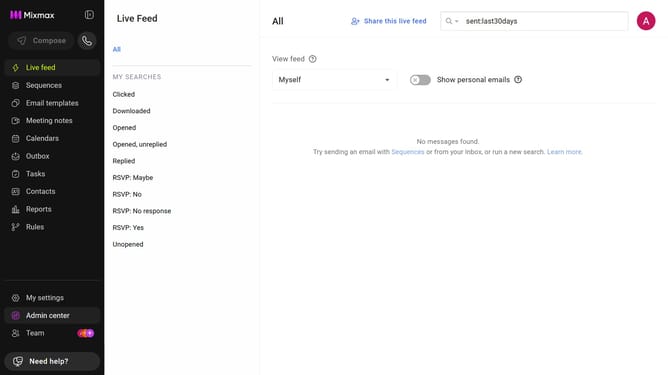
How to open your calendar link in Mixmax
Here is how to open your calendar link in mixmax
- First click on "Calendars" in the left sidebar
- Click on the calendar you want to view
- Next, locate the "LINK" section
- Then click on the "View" button next to the calendar link
- Your calendar booking page is now displayed
Why should you open your calendar link in Mixmax
Mixmax is a powerful email productivity tool designed to enhance communication efficiency.
Opening your calendar link within Mixmax is a seamless process.
This feature helps you stay organized and manage your schedule effortlessly.
By accessing your calendar directly from Mixmax, you can quickly coordinate meetings and appointments
It's a convenient way to ensure you never miss a critical task or meeting anymore!
Last update