How to allow users to manage their own Mixmax settings in a role
Here is how to allow users to manage their own mixmax settings in a role
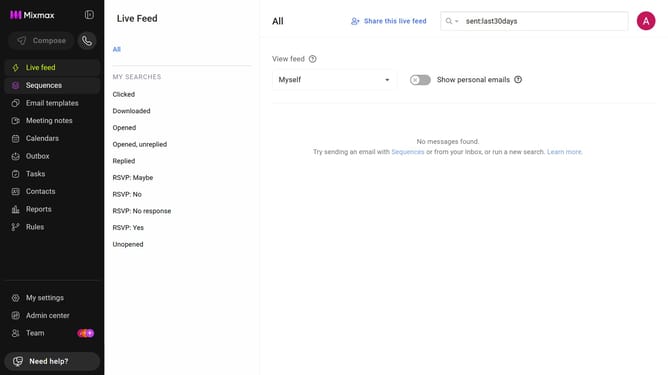
- First click on "My settings" in the sidebar menu
- Next click on "Roles" in the left sidebar
- Then, click on the "Mixmax" tab within the Roles section
- Finally, select the "Individuals in this role manage their own Mixmax settings." option
Why should you allow users to manage their own Mixmax settings in a role
Mixmax is a powerful tool designed to supercharge your email productivity and workflow efficiency.
A standout feature is its ability to let users manage their own settings within assigned roles. This means that individuals can tailor their Mixmax experience, optimizing features to suit their specific needs.
This flexibility fosters a more streamlined and personalized workflow, empowering each user to make the most of Mixmax's robust capabilities, ultimately enhancing overall team productivity.
Last update