How to set the time format to 12-hour in your Mixmax calendar
Here is how to set the time format to 12-hour in your mixmax calendar
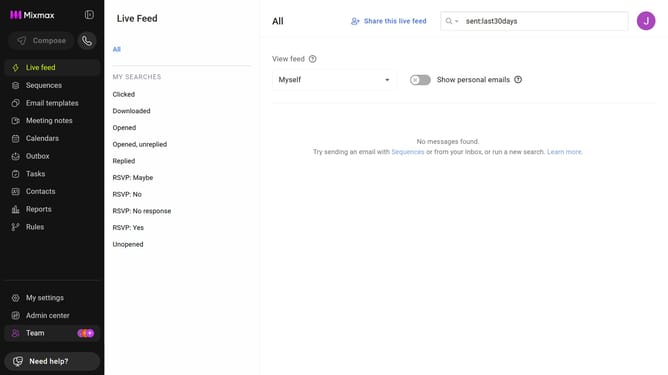
- First click on "My settings" in the left sidebar
- Next click on the "Calendar" in the settings menu
- Then locate the "Display options" section
- Finally select "12 hour" under the "Time format" option
Why should you set the time format to 12-hour in your Mixmax calendar
Mixmax enhances your email productivity by transforming how you manage communications and scheduling.
Setting the time format to 12-hour in your Mixmax calendar ensures your schedule aligns with familiar daily routines, making understanding your calendar easier and quicker at a glance.
Using the 12-hour format can improve communication with clients and colleagues who prefer it, reducing the chances of scheduling confusion and enhancing overall efficiency.
Embrace convenience and clarity by personalizing your Mixmax calendar to match your timekeeping preferences.
Last update