How to create a copy of a sequence in Mixmax
Here is how to create a copy of a sequence in mixmax
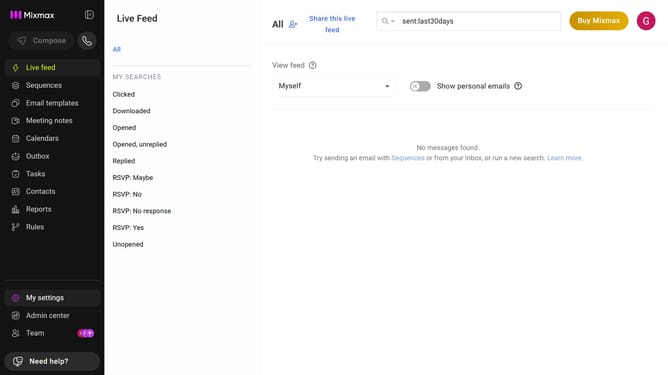
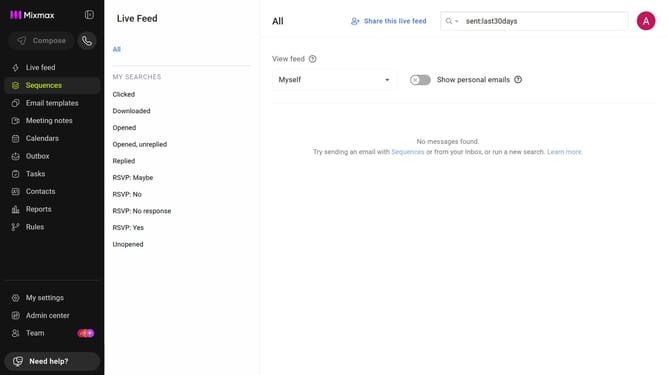
- First click on the "Sequences" in the left sidebar
- Next, locate the sequence you want to copy
- Click on the three dots icon next to the sequence
- From the dropdown menu, select "Copy sequence"
- After that, enter a name for the copied sequence
- Then click on the "FOLDER" dropdown and select a destination folder
- Finally, click on the "Copy" button to copy the sequence
Why should you create a copy of a sequence in Mixmax
Mixmax is a powerful tool designed to enhance email productivity and seamless communication.
Creating a copy of a sequence in Mixmax is a feature that streamlines workflow and boosts efficiency. By duplicating existing sequences, users can effortlessly modify and tailor their outreach to different audiences without starting from scratch.
This feature saves time and ensures consistency, making it an invaluable asset for anyone looking to optimize their email campaigns. Embracing this capability allows for more personalized interactions with minimal effort.
Last update