How to hide the "Get Started" guide in Mixmax
Here is how to hide the "get started" guide in mixmax
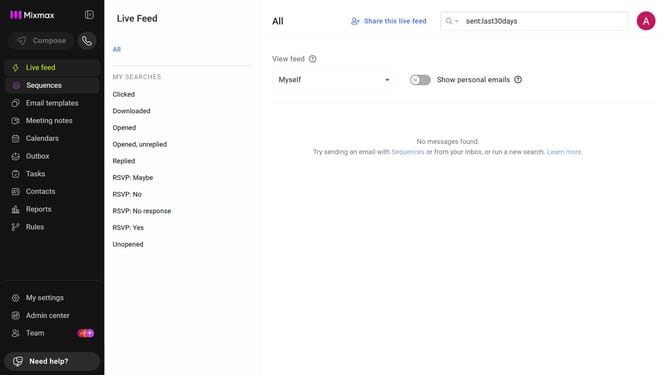
- First click on "My settings" in the left sidebar
- Then, locate the "Get Started guide" option in the General settings
- Finally uncheck the checkbox next to "Show "Get Started" guide"
Why should you hide the "Get Started" guide in Mixmax
Mixmax is an intuitive email tool designed to enhance productivity with seamless communication and organization capabilities.
Having the option to hide the "Get Started" guide in Mixmax allows users to minimize on-screen clutter, making for a smoother and more streamlined email experience.
This feature is beneficial for seasoned users who want to dive right into their tasks without the distraction of introductory prompts.
Moreover, it ensures that your Mixmax interface remains focused on the essential tools that help advance your workflow efficiency.
Last update