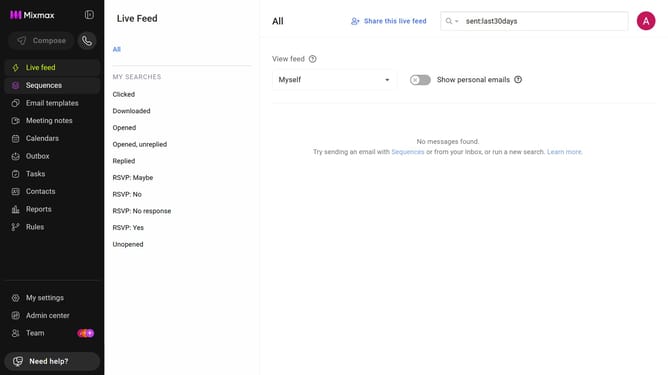
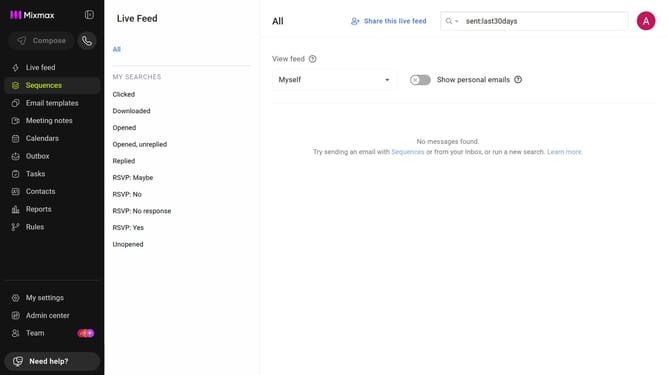
How to view top sequences by open rate in Mixmax Reports
Here is how to view top sequences by open rate in mixmax reports
- First click on "Reports" in the sidebar menu
- Next, click on the "Dashboard" tab
- Scroll down to the "Leaderboard" section
- Then, click on the leaderboard category dropdown and select "Top Sequences"
- Next, click on the metric dropdown on the right side of the chart
- Finally, select "Open Rate" from the dropdown menu
Why should you view top sequences by open rate in Mixmax Reports
Mixmax is an innovative tool designed to enhance email communication and productivity effortlessly.
Discovering top sequences by open rate in Mixmax Reports provides invaluable insights into the effectiveness of your email campaigns.
This feature helps identify what resonates most with your audience, allowing you to tailor content for better engagement.
By understanding open rates, you can refine strategies and make data-driven decisions that enhance outreach success.
Last update