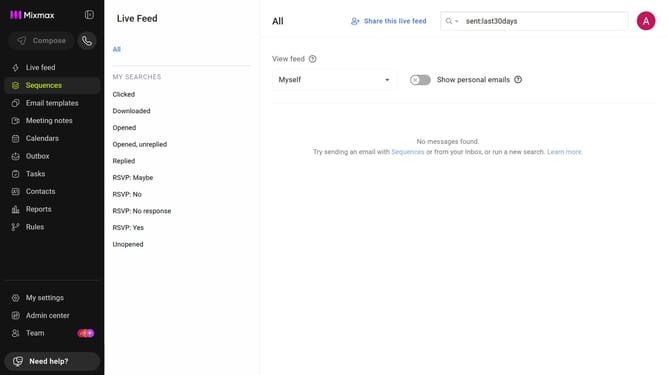
How to filter reports for the last month in Mixmax
Here is how to filter reports for the last month in mixmax
- First click on "Reports" in the sidebar menu
- Next click on the "Dashboard" tab in the left corner
- Then, click on the "DATE RANGE" dropdown at the top of the page
- Finally, select "Last month" from the date range options
Why should you filter reports for the last month in Mixmax
Mixmax is a powerful tool designed to enhance productivity and streamline communication effortlessly.
One of its standout features is the ability to filter reports for the last month, ensuring users gain quick insights tailored to their recent activities.
Utilizing this feature helps in tracking performance, identifying trends, and making informed decisions with up-to-date data.
This functionality empowers users to focus on what's important, saving time and increasing efficiency in their daily workflow.
Last update