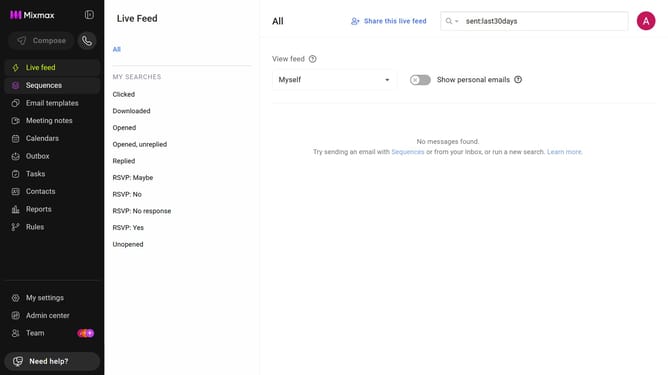
How to set the daily send limit to 400 emails per user in Mixmax workspace settings
Here is how to set the daily send limit to 400 emails per user in mixmax workspace settings
- First click on "Admin center" in the sidebar menu
- In the left sidebar, click on "Workspace settings"
- Next locate the "Daily send limit" section
- After that, click on the "Limit" dropdown
- Then, select "400" from the dropdown list
- Finally click on the "Modify" button in the confirmation dialog
Why should you set the daily send limit to 400 emails per user in Mixmax workspace settings
Mixmax elevates email efficiency with powerful tracking and automation tools.
Setting the daily send limit to 400 emails per user in Mixmax workspace settings ensures sustainable sending practices without overwhelming recipients.
This feature promotes effective communication by preventing excessive emails, preserving recipient engagement, and adhering to email best practices.
Ultimately, this limit helps maintain deliverability, ensuring your messages reach the intended audience reliably.
Last update