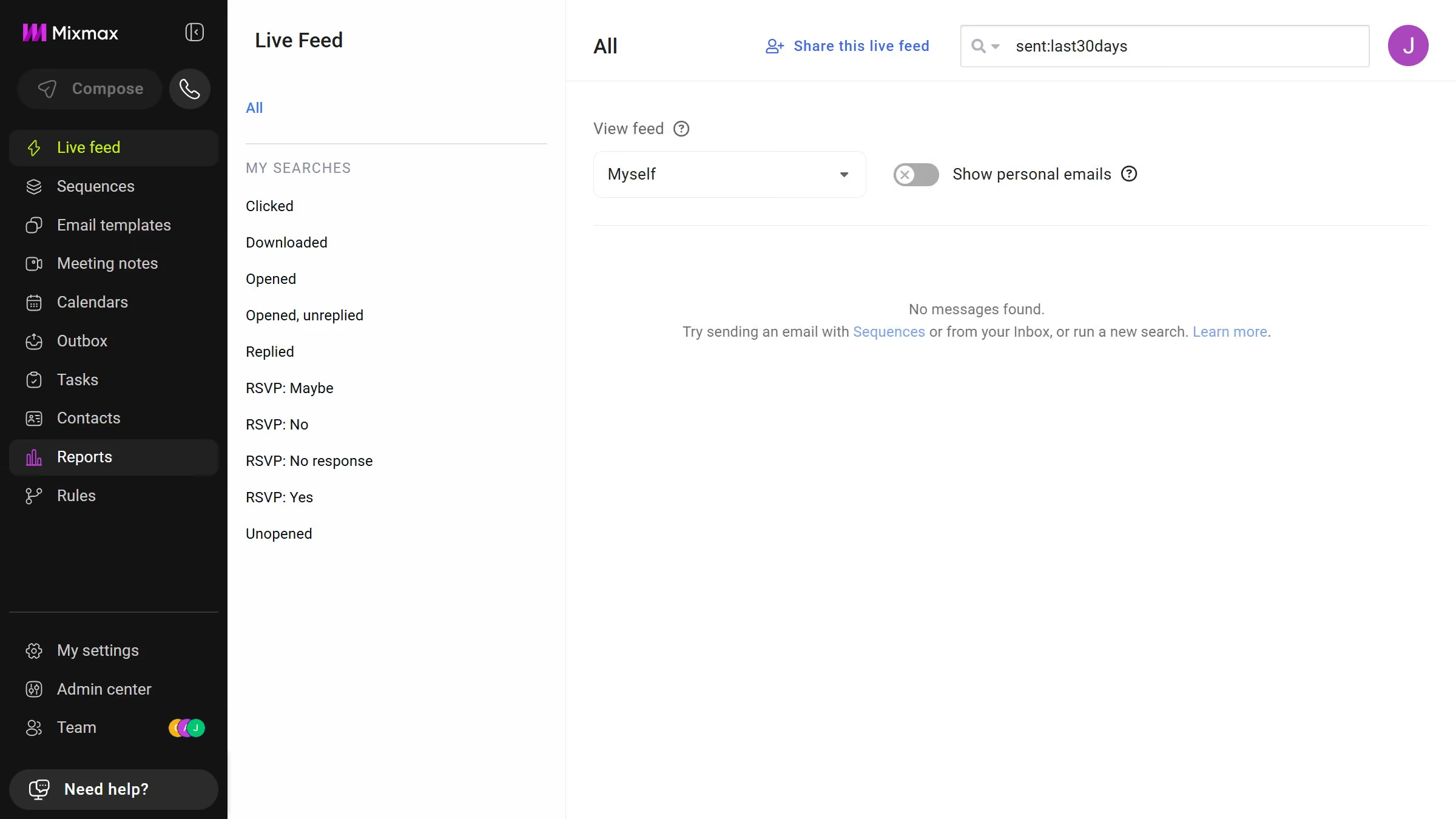
Mixmax is a powerful tool designed to enhance your email productivity and collaboration.
The feature of sharing a sequence with your team in Mixmax streamlines your workflow, ensuring unified communication strategies. By enabling this function, team members can easily access, modify, and engage with sequences, enhancing synchronization and collective effort.
This collaborative approach increases efficiency and maintains consistency across all team interactions, making your email campaigns more impactful and aligned.