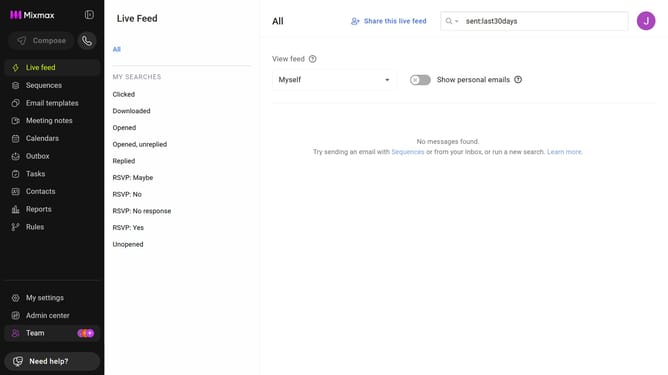
How to move a sequence to a another folder in Mixmax
Here is how to move a sequence to a another folder in mixmax
- First click on the "Sequences" in the left sidebar
- Next, click on the sequence you want to move
- In the top left, click on the dropdown next to the sequence name
- Then click on the "Folder" dropdown
- Finally choose the destination folder from the list
- The sequence is now be moved to the selected folder
Why should you move a sequence to a another folder in Mixmax
Mixmax is a powerful tool designed to enhance productivity through seamless email management and communication workflows.
Organizing your workflow is made simple and efficient through Mixmax's feature that allows you to move a sequence to another folder effortlessly.
By utilizing this feature, users can streamline their communication strategies, ensuring that sequences are neatly categorized and easy to access for future use.
This not only promotes efficient management but also significantly reduces the time spent searching for specific sequences, allowing for a more focused and productive work environment.
Last update