How to track when your emails are opened in Mixmax
Here is how to track when your emails are opened in mixmax
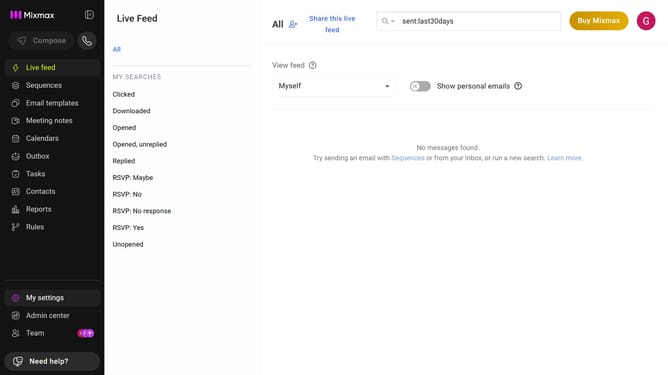
- First click on "My settings" in the left sidebar
- Next click on "Tracking" in the settings menu
- Then locate the "Email tracking options" section
- Finally, check "Open" to enable email open tracking
Why should you track when your emails are opened in Mixmax
Mixmax is a versatile email productivity tool designed to streamline your communication workflow.
With Mixmax's email tracking feature, you'll know exactly when your emails are opened, offering valuable insights into your recipients’ engagement.
This feature allows you to gauge interest levels, enabling you to follow up effectively at the right moment and tailor your interactions for maximum impact.
Understanding email open rates helps refine your strategy, facilitates better decision-making, and enhances overall efficiency in your email communication.
Last update