How to skip US holidays when sending a sequence in Mixmax
Here is how to skip us holidays when sending a sequence in mixmax
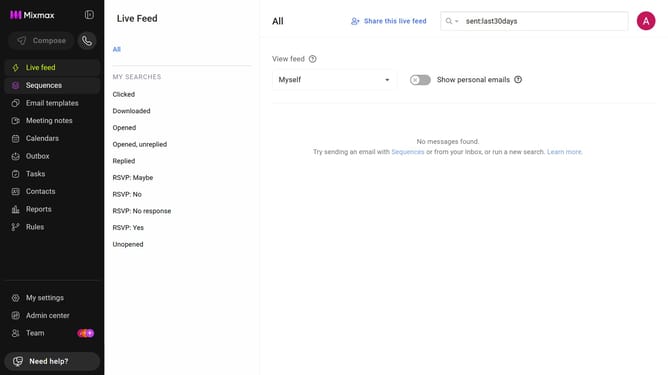
- First click on the "Sequences" in the left sidebar
- Next, click on the sequence you want to configure
- Click on the "Settings" tab in the sequence configuration
- Then click on "Schedule" option in the settings menu
- Finally check the box for "Skip US holidays - automatically reschedule all stage actions in a sequence to next available day after holiday"
Why should you skip US holidays when sending a sequence in Mixmax
Mixmax is a powerful email platform that enhances productivity and communication for professionals.
The feature to skip US holidays when sending a sequence in Mixmax ensures your messages land at the right time by automatically pausing email sends during national holidays.
This functionality is crucial for maintaining engagement and respect, as it prevents emails from being sent when recipients are likely offline, ensuring your communications are timely and effective.
By optimizing your email scheduling, you can enhance response rates and foster better relationships with your audience.
Last update