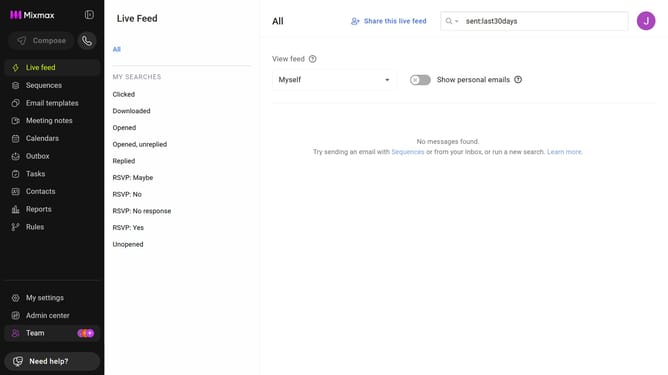
How to disable syncing sequence email activity to Mixmax Reports and Live Feed
Here is how to disable syncing sequence email activity to mixmax reports and live feed
- First click on the "Sequences" in the left sidebar
- Next, click on the sequence you want to configure
- Click on the "Settings" tab in the sequence configuration
- Then select the "Tracking" option from the settings sidebar
- Finally, uncheck the "Sync to Mixmax" checkbox to disable the feature
Why should you disable syncing sequence email activity to Mixmax Reports and Live Feed
Mixmax is a versatile tool designed to enhance email communication and productivity, seamlessly integrating with your workflow.
Disabling the syncing of sequence email activity to Mixmax Reports and Live Feed offers users the flexibility to manage data visibility according to their preferences.
This feature is beneficial for maintaining a clutter-free reporting environment, ensuring only essential activity is tracked.
By controlling this synchronization, users can focus on specific insights without overwhelming their analytics with every email sequence action.
Last update