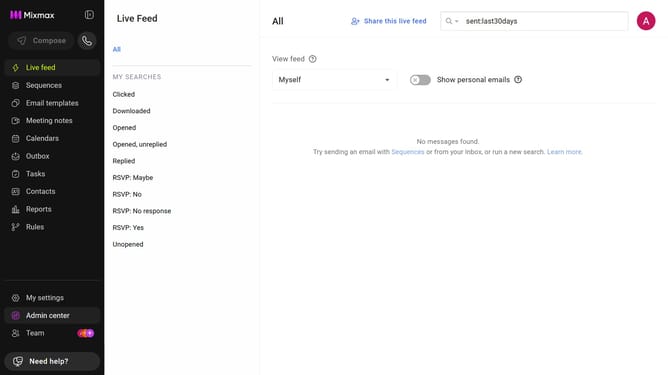
How to enable syncing sequence email activity to Mixmax Reports and Live Feed
Here is how to enable syncing sequence email activity to mixmax reports and live feed
- First click on the "Sequences" in the left sidebar
- Next, click on the sequence you want to configure
- Click on the "Settings" tab in the sequence configuration
- Then select the "Tracking" option from the settings sidebar
- Finally, check the "Sync to Mixmax" checkbox to enable the feature
Why should you enable syncing sequence email activity to Mixmax Reports and Live Feed
Mixmax supercharges your Gmail with powerful tools for seamless communication and productivity.
By enabling syncing of sequence email activity to Mixmax Reports and Live Feed, you streamline your workflow.
This feature provides immediate insights by keeping all email interactions updated across platforms.
Harnessing real-time data helps teams make informed decisions, boosting efficiency and enhancing client engagement.
Last update