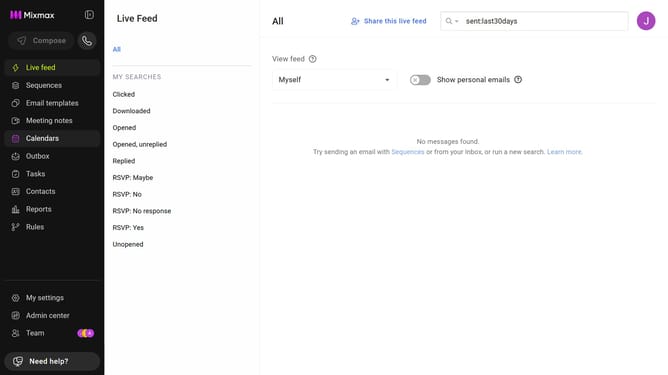
How to disable undo send in Mixmax
Here is how to disable undo send in mixmax
- First click on your profile picture in the top-right corner of the header
- Next click on the "Settings" button
- Then locate the "Undo send" section in the General settings
- Finally, uncheck the "Enable undo send" checkbox
Why should you disable undo send in Mixmax
Mixmax is an innovative communication platform designed to enhance productivity and collaboration within teams.
Disabling the undo send feature in Mixmax can be beneficial for those who want to streamline their email communication with quick, irreversible actions.
This feature allows users to send messages immediately without the reconsideration period, fostering a more decisive workflow.
By disabling undo send, users can enjoy greater efficiency and maintain momentum in their professional interactions.
Last update