How to disable Slack notifications for a sequence in Mixmax
Here is how to disable slack notifications for a sequence in mixmax
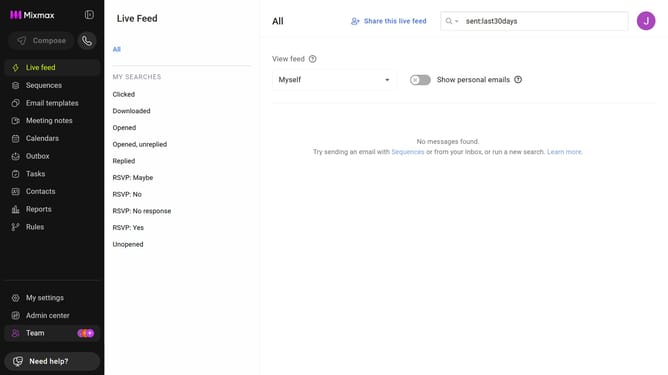
- First click on the "Sequences" in the left sidebar
- Next, click on the sequence you want to configure
- Navigate to the "Settings" tab
- In the left menu, click on "Notifications"
- Then, uncheck the box for the "Send Slack notifications" option
- Finally, click on the "Save" button at the bottom of the page
Why should you disable Slack notifications for a sequence in Mixmax
Mixmax is a powerful productivity tool that enhances email capabilities for seamless communication.
One feature of Mixmax is the ability to disable Slack notifications for a sequence, allowing users to streamline their workflow without constant interruptions.
This functionality is particularly beneficial for maintaining focus, as it ensures you receive only the most critical alerts while ignoring less urgent messages during busy periods.
Ultimately, this leads to improved productivity and a more organized workspace, helping you achieve your goals more efficiently.
Last update