How to allow users to send tracked attachments in Mixmax
Here is how to allow users to send tracked attachments in mixmax
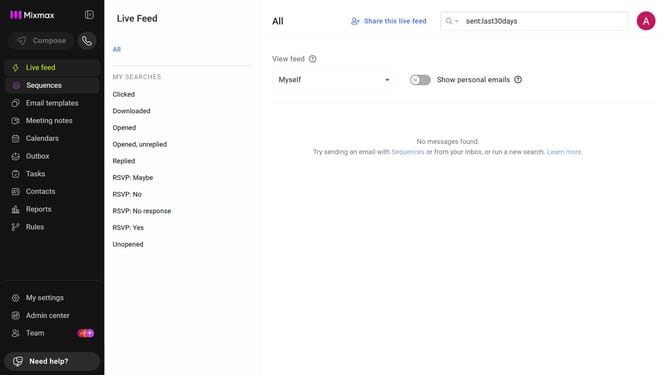
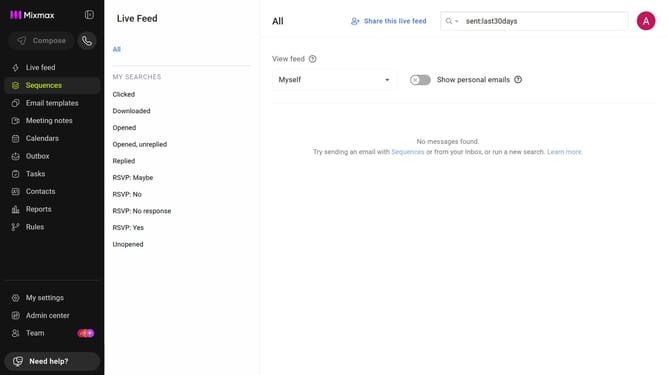
- First, click on "Admin center" in the sidebar menu
- In the sidebar, click on "Roles"
- Next, click on the "Mixmax" tab
- Then locate the "Mixmax Settings" section
- Finally uncheck the "Don't allow workspace members to send tracked attachments." checkbox
Why should you allow users to send tracked attachments in Mixmax
Mixmax is a powerful platform designed to enhance email productivity and communication efficiency.
One key feature of Mixmax is the ability to send tracked attachments, allowing users to gain insights into recipient interactions.
This feature is invaluable for understanding how and when attachments are accessed, providing real-time feedback that can enhance follow-up strategies.
Overall, using tracked attachments in Mixmax not only empowers users with essential data but also boosts overall engagement and productivity in email communication.
Last update