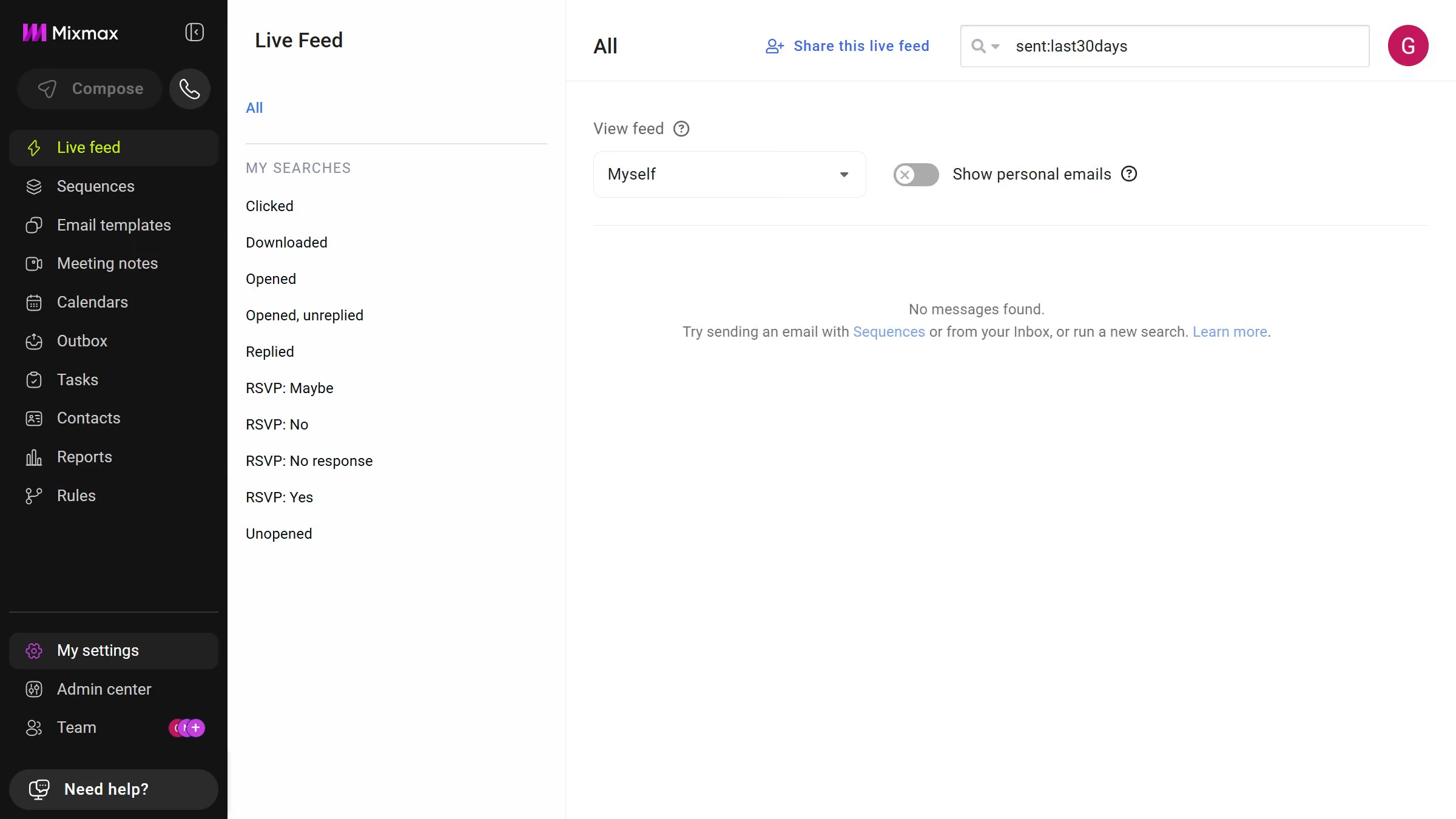
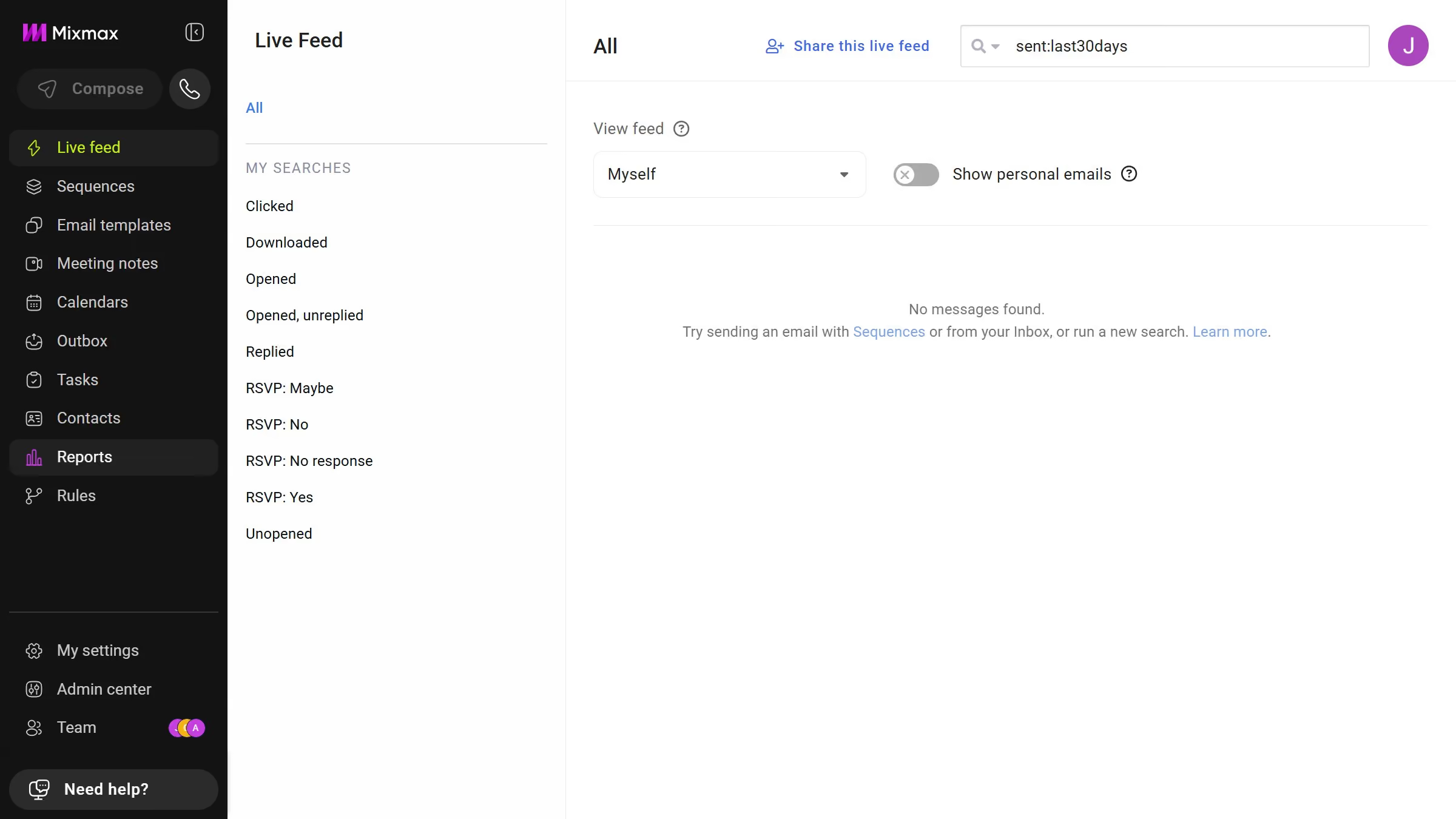
Here is how to view recently used email templates in mixmax
- First click on "Email templates" in the sidebar menu
- Next, locate the left sidebar in the Email templates page
- Then click on the "Recent" filter


Create your own interactive guide with Guideflow
Mixmax is a versatile email scheduling and productivity tool that enhances communication efficiency.
One standout feature is the ability to easily view recently used email templates, streamlining your workflow. This function quickly places your go-to templates at your fingertips, allowing for rapid personalization and deployment of emails.
Utilizing this feature saves time and ensures consistency in your communication efforts, making it an invaluable asset for busy professionals.
Why leading companies build with Guideflow