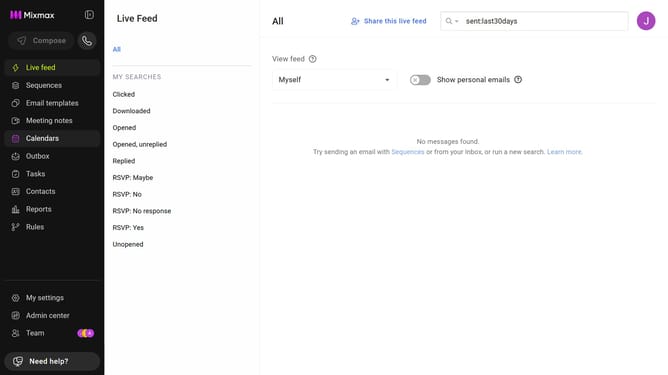
How to change the sorting order of your sequences in Mixmax
Here is how to change the sorting order of your sequences in mixmax
- First click on the "Sequences" in the left sidebar
- Next click on the "SORT BY" dropdown above the sequences list
- Then, select a sorting option from the dropdown
- Finally, click the arrow icon next to the dropdown to switch the order
Why should you change the sorting order of your sequences in Mixmax
Mixmax is a powerful tool designed to enhance your email productivity and communication.
One of its standout features includes the ability to change the sorting order of your sequences, providing a more organized and efficient workflow.
By personalizing the sequence priority, users can instantly access important campaigns and communication flows based on their specific needs or projects.
This customization ensures that users stay focused on what matters most, boosting productivity and streamlining processes effortlessly.
Last update