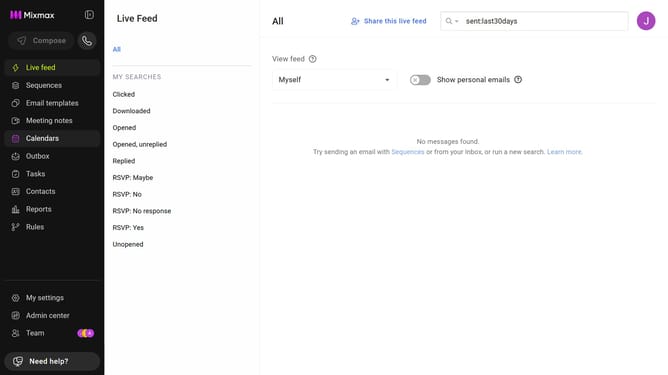
How to disable Slack notifications for email opens in a sequence in Mixmax
Here is how to disable slack notifications for email opens in a sequence in mixmax
- First click on the "Sequences" in the left sidebar
- Next, click on the sequence you want to configure
- Navigate to the "Settings" tab
- In the left menu, click on "Notifications"
- After that, make sure "Send Slack notifications" is enabled
- Then uncheck the "Opens" option under "Send notification on"
- Finally click on the "Save" button to apply the changes
Why should you disable Slack notifications for email opens in a sequence in Mixmax
Mixmax is a powerful tool designed to enhance your email productivity and streamline communication.
One notable feature is the ability to disable Slack notifications for email opens in a sequence.
This enables users to maintain focus by reducing disruptions, especially during busy workflows.
By tailoring notifications, teams can enjoy a more organized workspace and improved concentration, all while still utilizing Mixmax’s robust email tracking capabilities.
Last update