Mixmax
Mixmax is a sales engagement platform for revenue teams to automate email outreach, sequences, and meeting scheduling.
Website
Industry
Leadgen
Share this article:

How to set shared file links to never expire in Mixmax

Here is how to set shared file links to never expire in mixmax

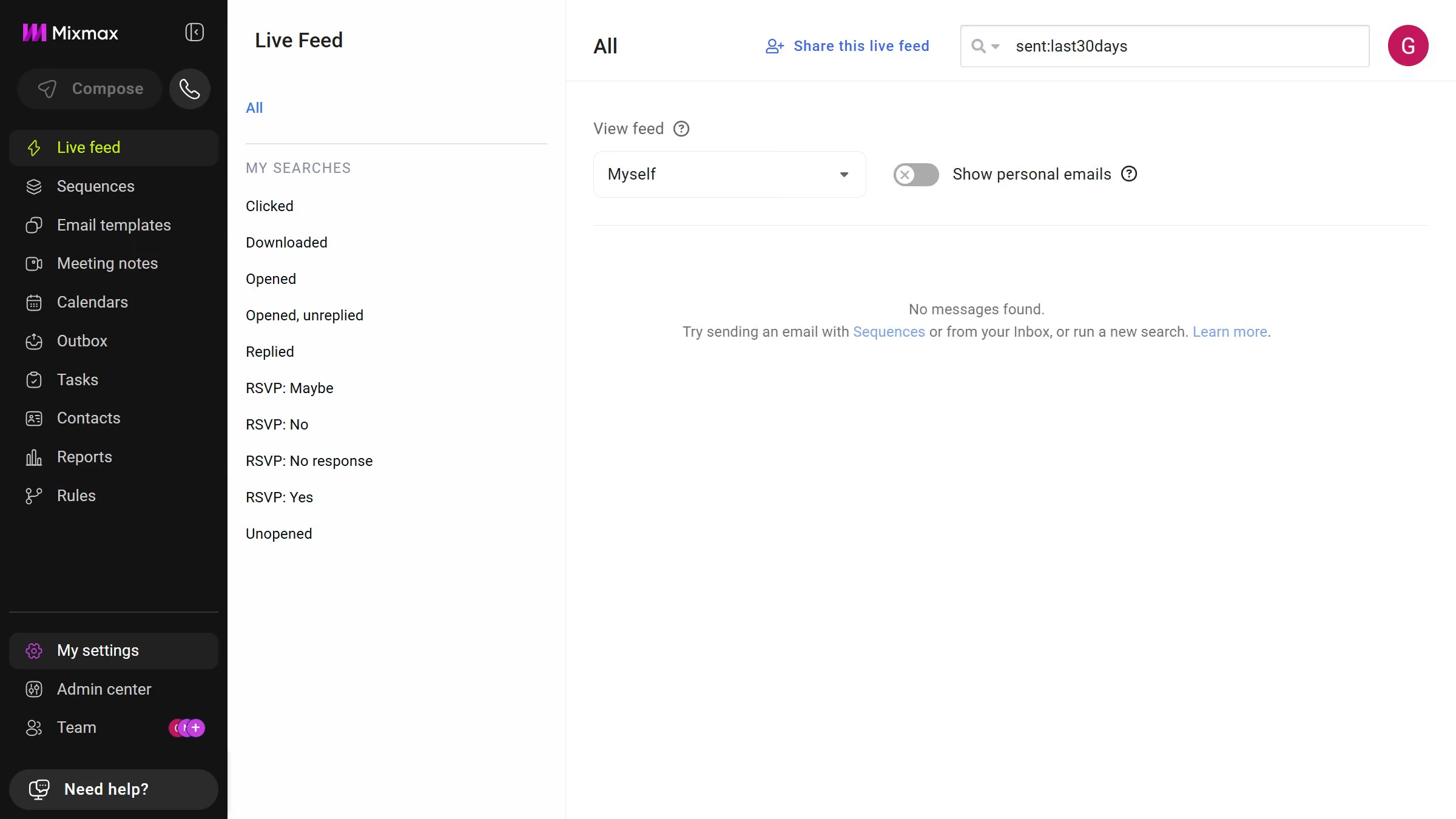
  1. First, click on "Admin center" in the sidebar menu
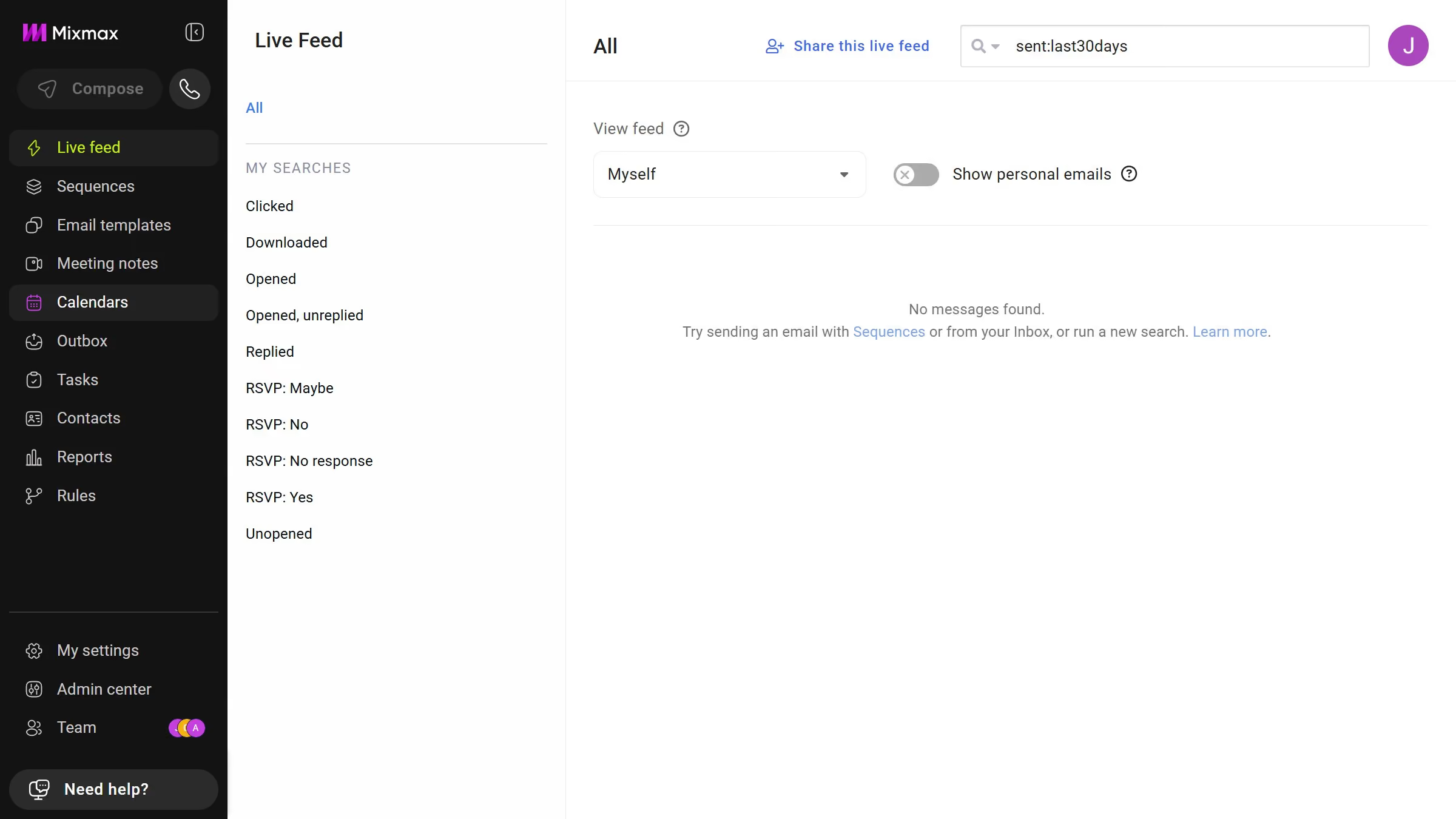
  2. In the sidebar, click on "Roles"
  3. Next, click on the "Mixmax" tab
  4. Then scroll down and locate the "Shared Files" section
  5. Finally select "Never" under "Expires" option

Create your own interactive guide with Guideflow

Why should you set shared file links to never expire in Mixmax

Mixmax streamlines communication workflows by enhancing email functionality and collaboration.

One of its standout features is the ability to set shared file links to never expire. This feature is incredibly beneficial as it ensures perpetual access to crucial documents without the need for constant monitoring or renewal.

Using this feature provides a seamless and worry-free sharing experience, fostering continuous collaboration and unimpeded access to important files. It’s all about eliminating the hassle and keeping the focus where it belongs: on communication and collaboration.

Last update
April 28, 2026
Cursor MariaA cursor points to a button labeled "James."

Create your first demo in less than 30 seconds.