How to stop tracking when your emails are opened in Mixmax
Here is how to stop tracking when your emails are opened in mixmax
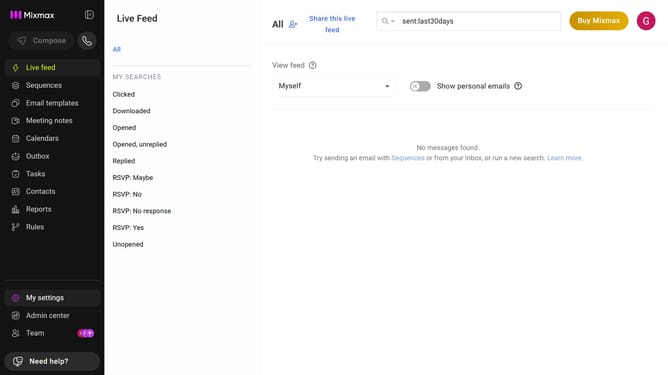
- First click on "My settings" in the sidebar
- Next click on "Tracking" in the settings menu
- Then locate the "Email tracking options" section
- Finally, uncheck "Open" to stop tracking when your emails are opened
Why should you stop tracking when your emails are opened in Mixmax
Mixmax is a powerful tool designed to enhance your email productivity and engagement.
One valuable feature offered by Mixmax is the ability to stop tracking when your emails are opened. This functionality empowers users to ensure privacy for their email communications, which is essential for maintaining trust and confidentiality.
By utilizing this feature, users can avoid unnecessary data collection and focus on building authentic relationships. It highlights a commitment to user control while simplifying email management and respecting recipient preferences.
Last update