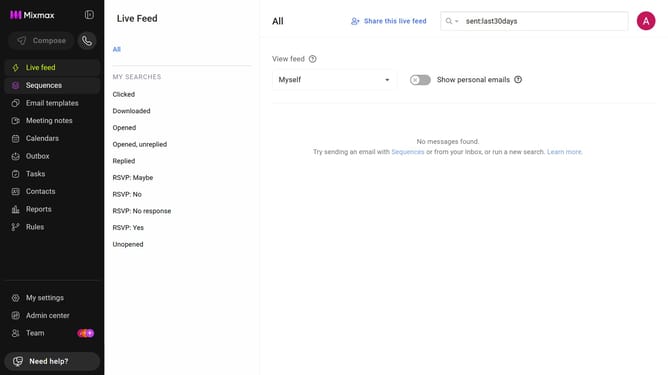
How to view top sequences by reply rate in Mixmax Reports
Here is how to view top sequences by reply rate in mixmax reports
- First click on "Reports" in the sidebar menu
- Next, click on the "Dashboard" tab
- Scroll down to the "Leaderboard" section
- Then, click on the leaderboard category dropdown and select "Top Sequences"
- Next, click on the metric dropdown on the right side of the chart
- Finally, select "Reply Rate" from the dropdown menu
Why should you view top sequences by reply rate in Mixmax Reports
Mixmax is a powerful tool designed to enhance email productivity and communication effectiveness.
One standout feature of Mixmax is the ability to view top sequences by reply rate in Mixmax Reports. This feature allows users to identify which email sequences generate the most responses, providing invaluable insight into customer engagement.
By understanding top-performing sequences, users can optimize outreach strategies, ensure higher productivity, and ultimately, drive better business outcomes. Harness the power of Mixmax Reports to elevate your email strategy with ease.
Last update