How to archive emails when setting reminders in Mixmax
Here is how to archive emails when setting reminders in mixmax
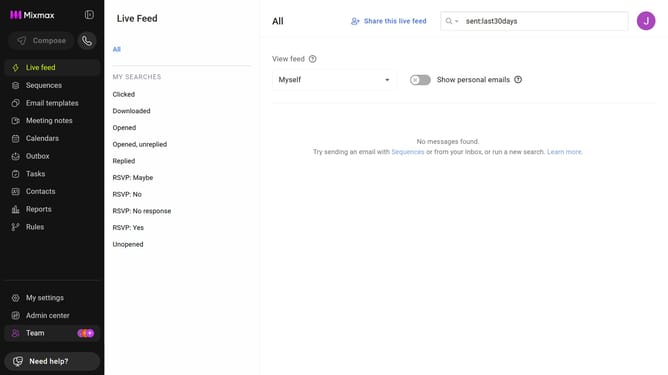
- First click on "My settings" in the left sidebar
- Next click on the "Reminders & Send Later" in the settings menu
- Then locate the "Default reminder settings" section
- Finally, check the "Archive email when reminder set" checkbox
Why should you archive emails when setting reminders in Mixmax
Mixmax is an innovative tool designed to supercharge your email productivity and communication efficiency.
One standout feature of Mixmax is its ability to seamlessly archive emails when setting reminders, streamlining your inbox management. This feature ensures that your inbox remains uncluttered, allowing you to focus on current priorities.
Archiving emails when setting reminders helps reduce mental load by eliminating the need to manually manage reminders and messages separately. It's a simple yet powerful way to maintain organization, enhance productivity, and keep your communication smooth and on track.
Last update