How to disable reminders to follow up after a meeting with next steps in Mixmax
Here is how to disable reminders to follow up after a meeting with next steps in mixmax
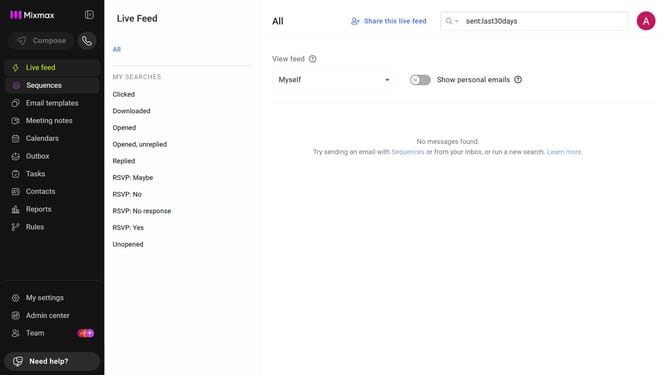
- First click on "My settings" in the sidebar menu
- Next click on "Inbox Copilot" from the left sidebar settings
- Then scroll down to the "Signals" section and make sure it is enabled
- Locate the "No follow-up email sent after the meeting (external only)" option
- Finally, toggle it off to stop receiving reminders to follow up with next steps after meetings
Why should you disable reminders to follow up after a meeting with next steps in Mixmax
Mixmax is a versatile productivity tool designed to elevate your email experience and workflow efficiency.
One of the time-saving features it offers is the ability to manage follow-up reminders after meetings. Sometimes, you might prefer to keep your inbox focused on immediate priorities. In such cases, disabling follow-up reminders can streamline your tasks effectively.
By turning off these notifications, you can enjoy a cleaner communication channel. This leads to increased attention to pressing matters, fostering a more organized and efficient work environment. The power of choice in notifications ensures your day runs smoother and more deliberately.
Last update