How to enable reminders for following up on emails awaiting a reply in Mixmax
Here is how to enable reminders for following up on emails awaiting a reply in mixmax
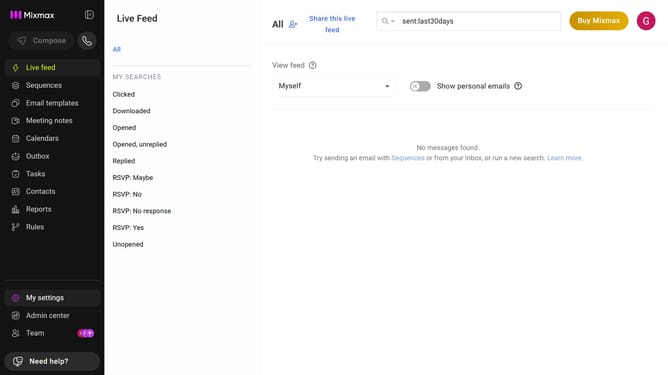
- First click on "My settings" in the sidebar menu
- Next click on "Inbox Copilot" from the left sidebar settings
- Then scroll down to the "Signals" option and make sure it is enabled
- After that, locate the "Smart Follow-ups" option
- Finally, toggle it on to receive follow-up reminders for unanswered emails
Why should you enable reminders for following up on emails awaiting a reply in Mixmax
Mixmax is a powerful email enhancement tool designed to supercharge your Gmail experience.
By enabling reminders for following up on emails awaiting a reply, you ensure that no important conversation slips through the cracks. This feature empowers you to maintain control and keep discussions moving forward effortlessly.
Utilizing reminders for follow-ups in Mixmax enhances productivity by allowing you to concentrate on nurturing meaningful connections without worrying about forgotten emails.
Last update